> For the complete documentation index, see [llms.txt](https://docs.valtimo.nl/llms.txt). Markdown versions of documentation pages are available by appending `.md` to page URLs; this page is available as [Markdown](https://docs.valtimo.nl/valtimo-docs-v3/features/building-blocks/form-flows.md).
# Form flows
Building blocks can have their own form flow definitions, separate from case-level form flows. These form flows are scoped to a specific building block version and can be used in user tasks within the building block's processes.
## Managing form flows
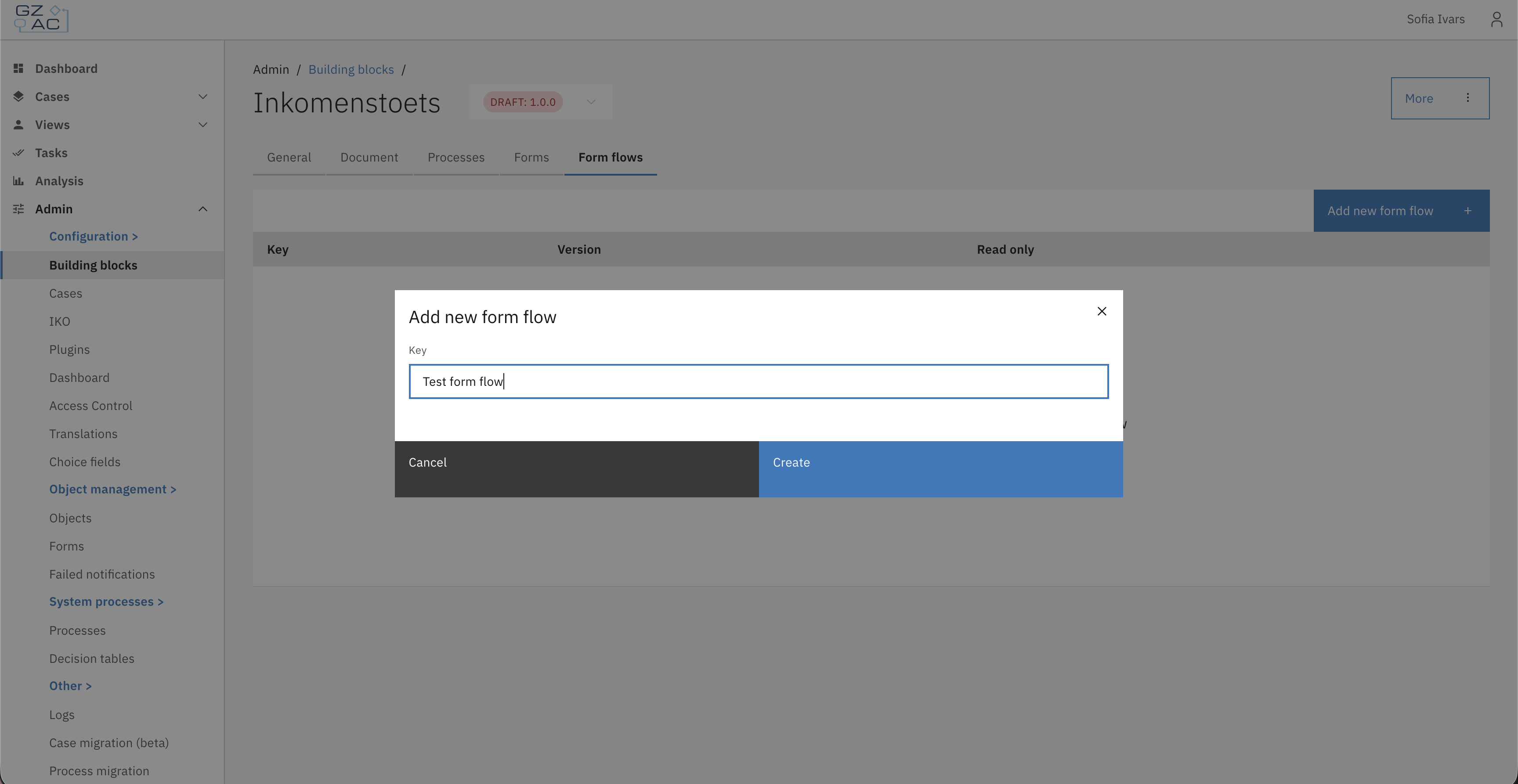
### Creating a form flow
* Open a building block definition.
* Go to the **Form flows** tab.
* Click **Add new form flow**.
* Enter a **Key** for the form flow.
* Build the form flow using the editor.
* Click **Create**.
 ### Editing a form flow
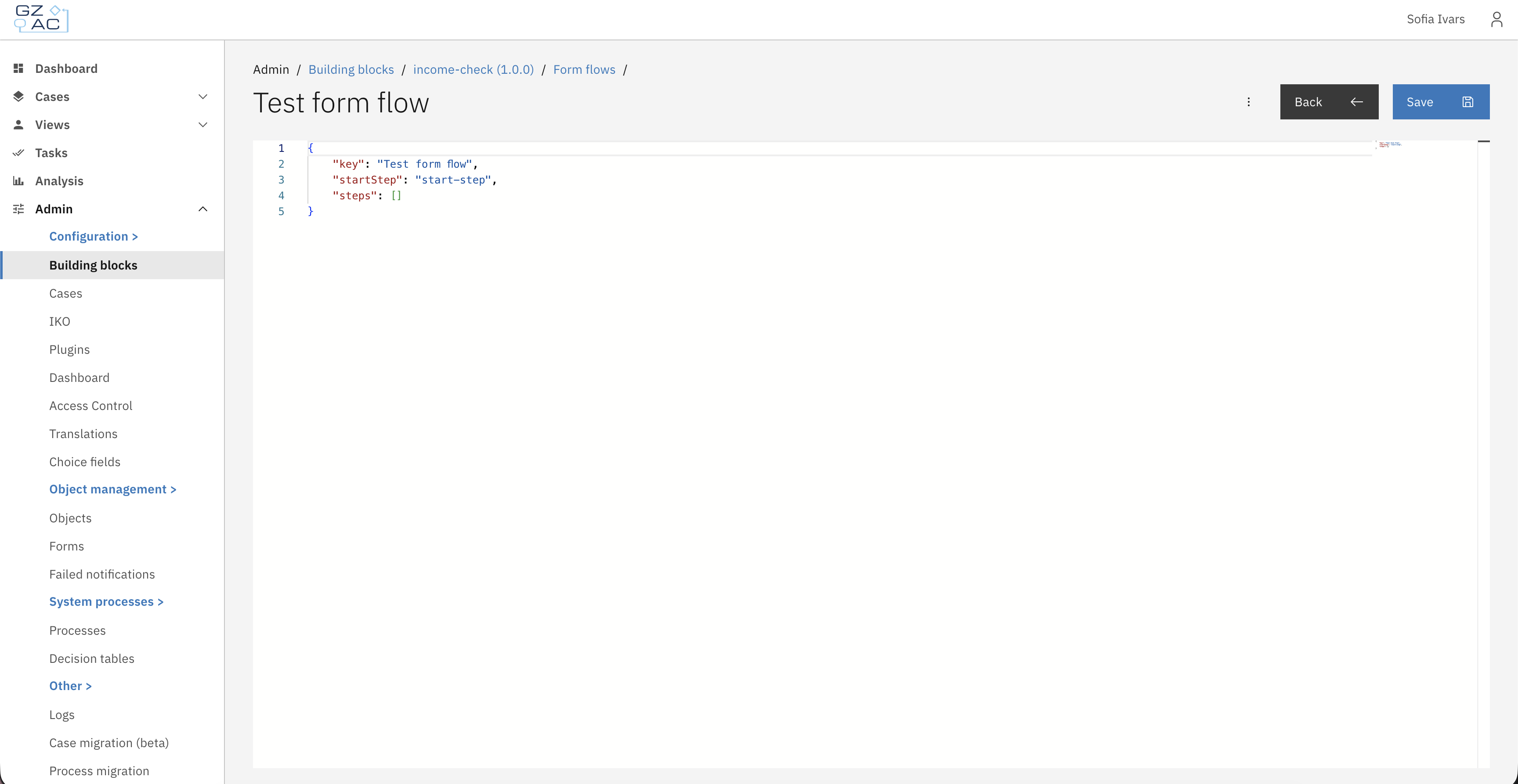
* Open a building block definition.
* Go to the **Form flows** tab.
* Click on the form flow you want to edit.
* Make changes in the form flow editor.
* Click **Save**.
### Editing a form flow
* Open a building block definition.
* Go to the **Form flows** tab.
* Click on the form flow you want to edit.
* Make changes in the form flow editor.
* Click **Save**.
 ### Deleting a form flow
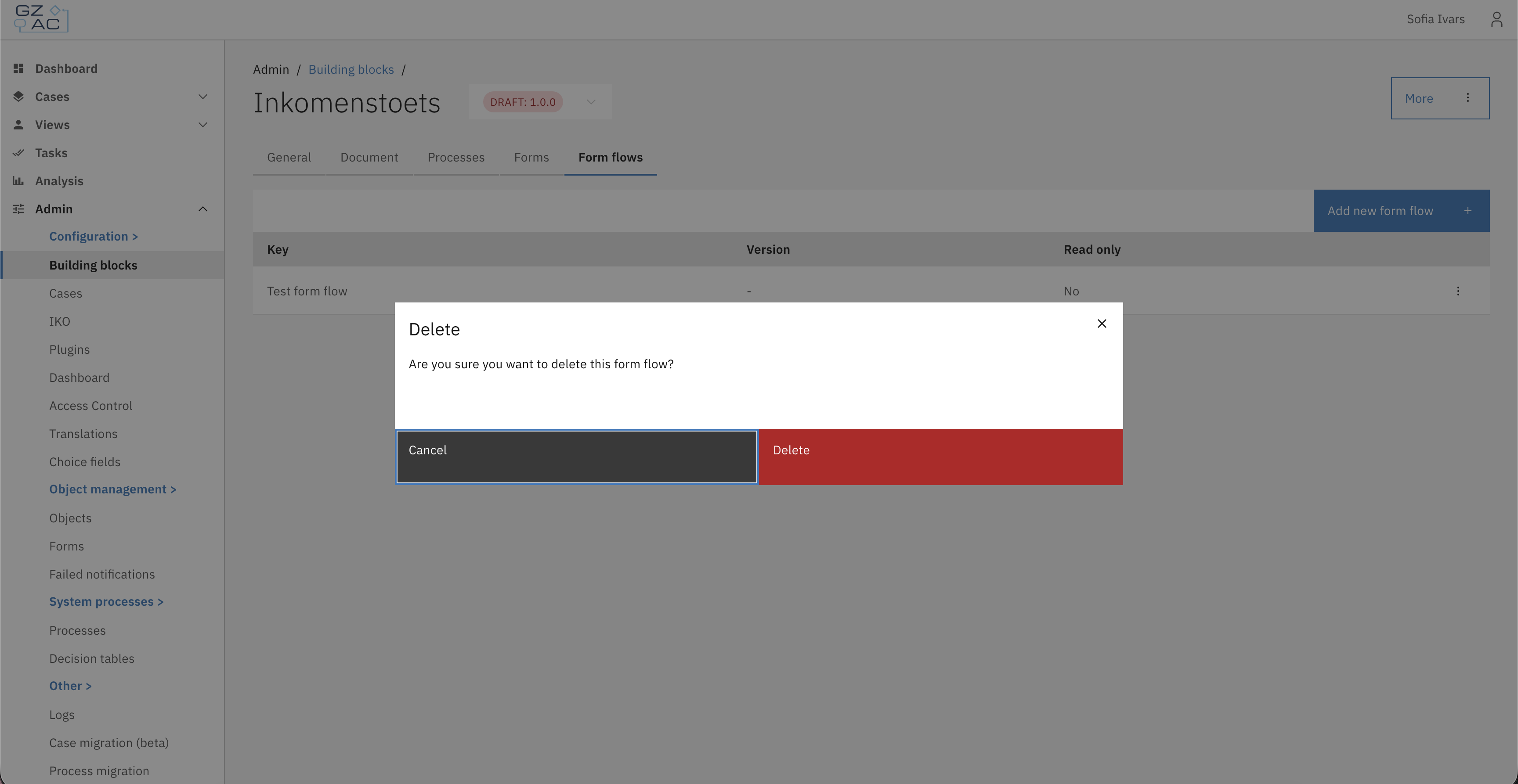
* Open a building block definition.
* Go to the **Form flows** tab.
* Click the delete action on the form flow row.
* Confirm the deletion.
### Deleting a form flow
* Open a building block definition.
* Go to the **Form flows** tab.
* Click the delete action on the form flow row.
* Confirm the deletion.
 {% hint style="warning" %}
Form flows cannot be created, edited, or deleted when the building block version is finalized. Auto-deployed form flows are always read-only and cannot be modified or deleted through the UI.
{% endhint %}
## Using form flows in user tasks
Once a form flow is created for a building block, it can be linked to user tasks in the building block's processes through form flow process links.
1. Open the building block's process in the process editor.
2. Select a **User task** in the process model.
3. Open the **Process link** configuration.
4. Choose **Form flow** as the link type.
5. Select the form flow you created in the building block's Form flows tab.
6. Click **Save**.
Tasks from building block processes automatically appear in the case task list when the building block is used within a case.
## Form flow definition structure
Building block form flows use the same JSON structure as case form flows. Each definition includes:
* **`startStep`** - The key of the first step in the flow.
* **`steps`** - An array of step objects, each with:
* **`key`** - A unique identifier for the step.
* **`type`** - The step type (`form` or `custom-component`) and its properties.
* **`nextStep`** / **`nextSteps`** - The next step(s), optionally with conditions.
* **`onOpen`** / **`onComplete`** / **`onBack`** - SpEL expressions triggered at different stages.
## Import and export
Building block form flows are automatically included when exporting a building block. When importing a building block, any form flows included in the export are restored. If a form flow with the same key already exists, it is updated with the imported definition.
The export path for form flows follows this structure:
```
config/building-block///form-flow/.form-flow.json
```
{% hint style="warning" %}
Form flows cannot be created, edited, or deleted when the building block version is finalized. Auto-deployed form flows are always read-only and cannot be modified or deleted through the UI.
{% endhint %}
## Using form flows in user tasks
Once a form flow is created for a building block, it can be linked to user tasks in the building block's processes through form flow process links.
1. Open the building block's process in the process editor.
2. Select a **User task** in the process model.
3. Open the **Process link** configuration.
4. Choose **Form flow** as the link type.
5. Select the form flow you created in the building block's Form flows tab.
6. Click **Save**.
Tasks from building block processes automatically appear in the case task list when the building block is used within a case.
## Form flow definition structure
Building block form flows use the same JSON structure as case form flows. Each definition includes:
* **`startStep`** - The key of the first step in the flow.
* **`steps`** - An array of step objects, each with:
* **`key`** - A unique identifier for the step.
* **`type`** - The step type (`form` or `custom-component`) and its properties.
* **`nextStep`** / **`nextSteps`** - The next step(s), optionally with conditions.
* **`onOpen`** / **`onComplete`** / **`onBack`** - SpEL expressions triggered at different stages.
## Import and export
Building block form flows are automatically included when exporting a building block. When importing a building block, any form flows included in the export are restored. If a form flow with the same key already exists, it is updated with the imported definition.
The export path for form flows follows this structure:
```
config/building-block///form-flow/.form-flow.json
```