> For the complete documentation index, see [llms.txt](https://docs.valtimo.nl/llms.txt). Markdown versions of documentation pages are available by appending `.md` to page URLs; this page is available as [Markdown](https://docs.valtimo.nl/configuration-guides/dashboard.md).
# Dashboard
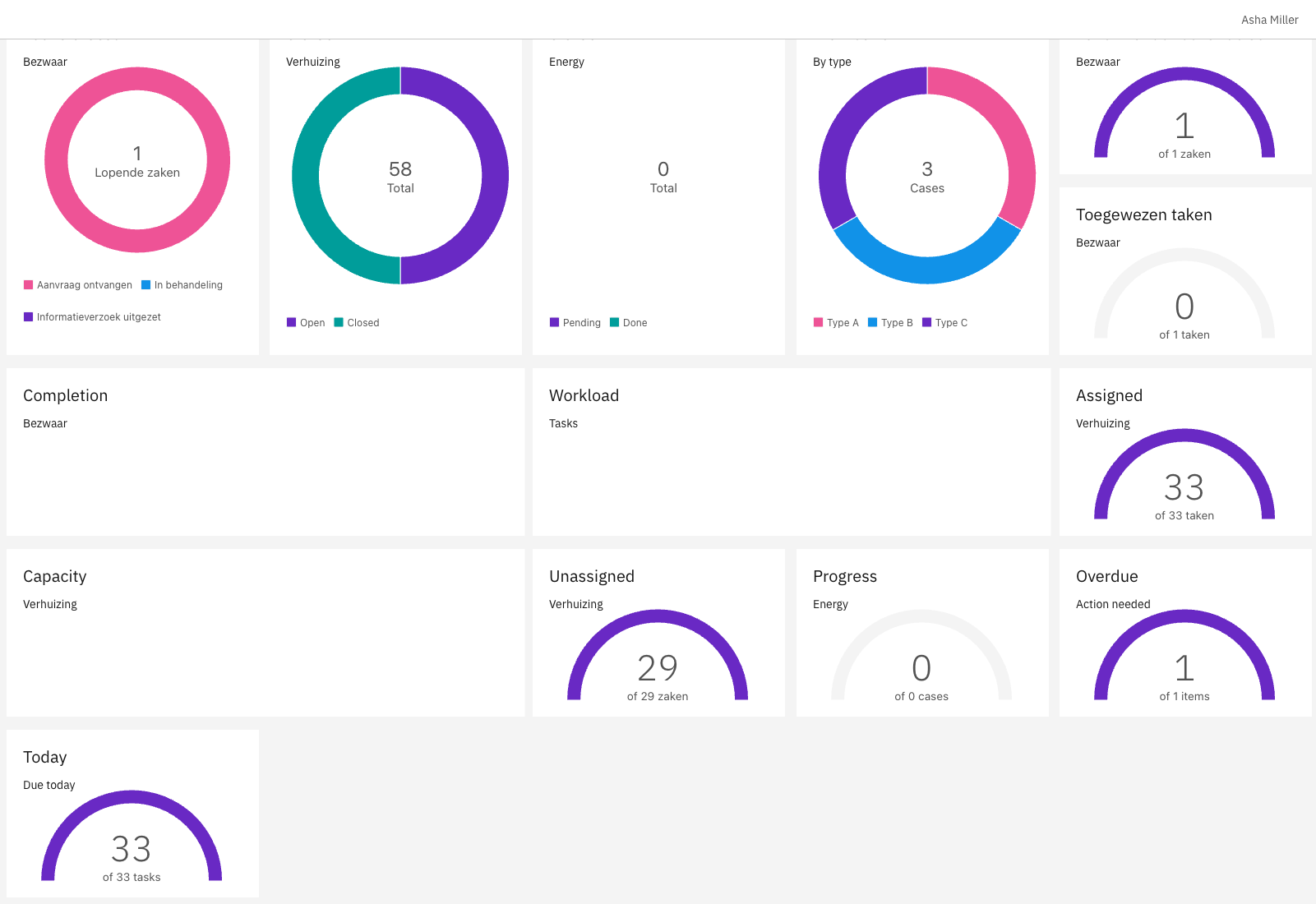
Dashboards provide customizable analytics views composed of widgets. Each widget combines a data source (where data comes from) with a display type (how data is visualized) to show metrics like case counts, task counts, or grouped statistics.
This section covers:
* [**Widgets**](/configuration-guides/dashboard/widgets.md) — Configure widgets with data sources and display types
***
## Configuring dashboards
{% stepper %}
{% step %}
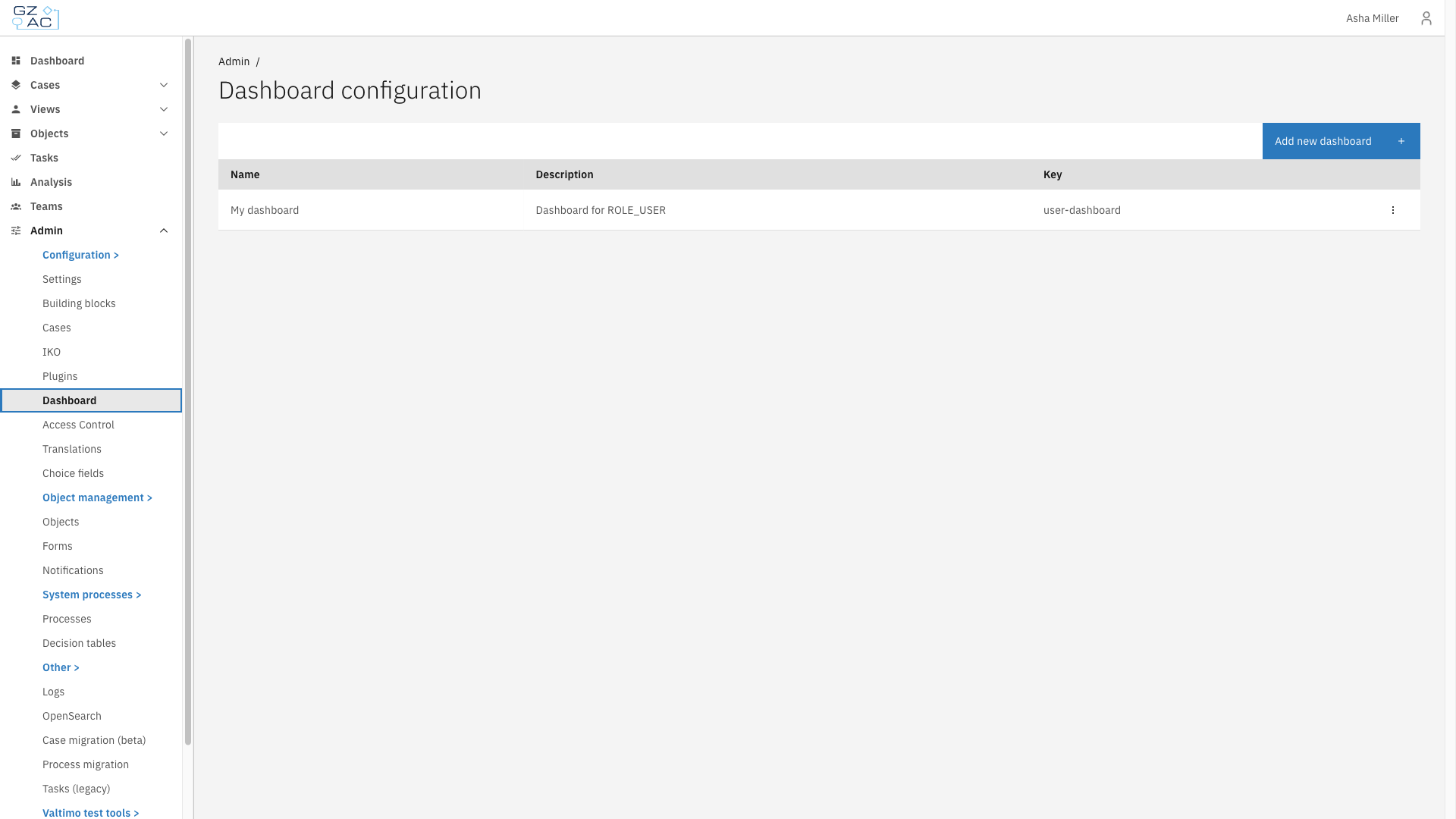
Navigate to **Admin** in the sidebar
{% endstep %}
{% step %}
Click **Dashboard**
{% endstep %}
{% endstepper %}
***
### Creating a dashboard
{% stepper %}
{% step %}
Click **Add new dashboard**
{% endstep %}
{% step %}
Enter the dashboard name and description
{% endstep %}
{% step %}
Click **Create**
{% endstep %}
{% endstepper %}
| Property | Description |
| -------------- | ------------------------------------------------------------------------------------------ |
| Dashboard name | Display name shown in the UI (required) |
| Description | Text explaining the dashboard's purpose (required, visible only in the configuration page) |
***
### Editing a dashboard
{% stepper %}
{% step %}
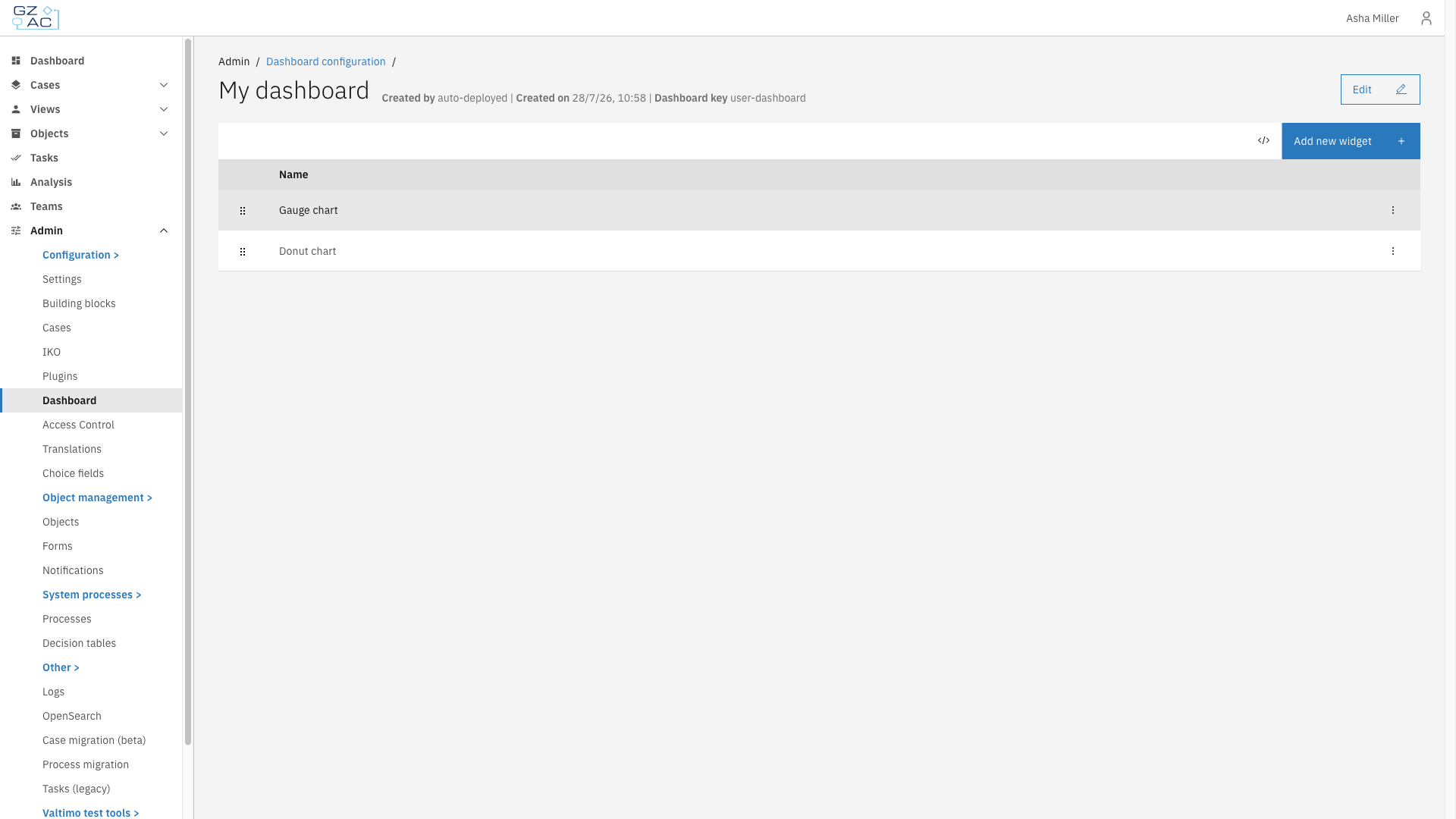
Click on a dashboard row to open its detail view
{% endstep %}
{% step %}
Click **Edit** in the page header
{% endstep %}
{% step %}
Modify the dashboard name, description, or layout algorithm
{% endstep %}
{% step %}
Click **Complete** to save changes
{% endstep %}
{% endstepper %}
#### Layout algorithm
The layout algorithm determines how widgets are arranged on the dashboard.
**Default**
Muuri's plain masonry layout that keeps widgets in their configured order.
**Default (less gaps)**
Muuri's masonry layout with gap filling, keeps widgets in their configured order.
**Gap free**
Custom gap-free packing that may reorder widgets within a section to remove gaps.
{% hint style="info" %}
Default and Default (less gaps) keep widgets in their configured order as much as possible, which can leave empty gaps. Gap free may reorder widgets within a section to remove those gaps.
{% endhint %}
***
### Deleting a dashboard
{% stepper %}
{% step %}
On the dashboard list page, click the overflow menu (three dots) on a dashboard row
{% endstep %}
{% step %}
Click **Delete**
{% endstep %}
{% step %}
Confirm the deletion
{% endstep %}
{% endstepper %}
***
## Access control
Access to dashboards can be configured through access control. More information about access control can be found [here](/configuration-guides/access-control.md).
### Resources and actions
| Resource type | Action | Effect |
| ---------------------------------------- | ----------- | ------------------------------------------------- |
| `com.ritense.dashboard.domain.Dashboard` | `view` | Allows viewing a specific dashboard |
| | `view_list` | Allows viewing dashboards in lists and navigation |
### Examples
Permission to view all dashboards
```json
{
"resourceType": "com.ritense.dashboard.domain.Dashboard",
"action": "view",
"conditions": []
}
```
Permission to view dashboards in navigation
```json
{
"resourceType": "com.ritense.dashboard.domain.Dashboard",
"action": "view_list",
"conditions": []
}
```