> For the complete documentation index, see [llms.txt](https://docs.valtimo.nl/llms.txt). Markdown versions of documentation pages are available by appending `.md` to page URLs; this page is available as [Markdown](https://docs.valtimo.nl/configuration-guides/cases/tasks.md).
# Tasks
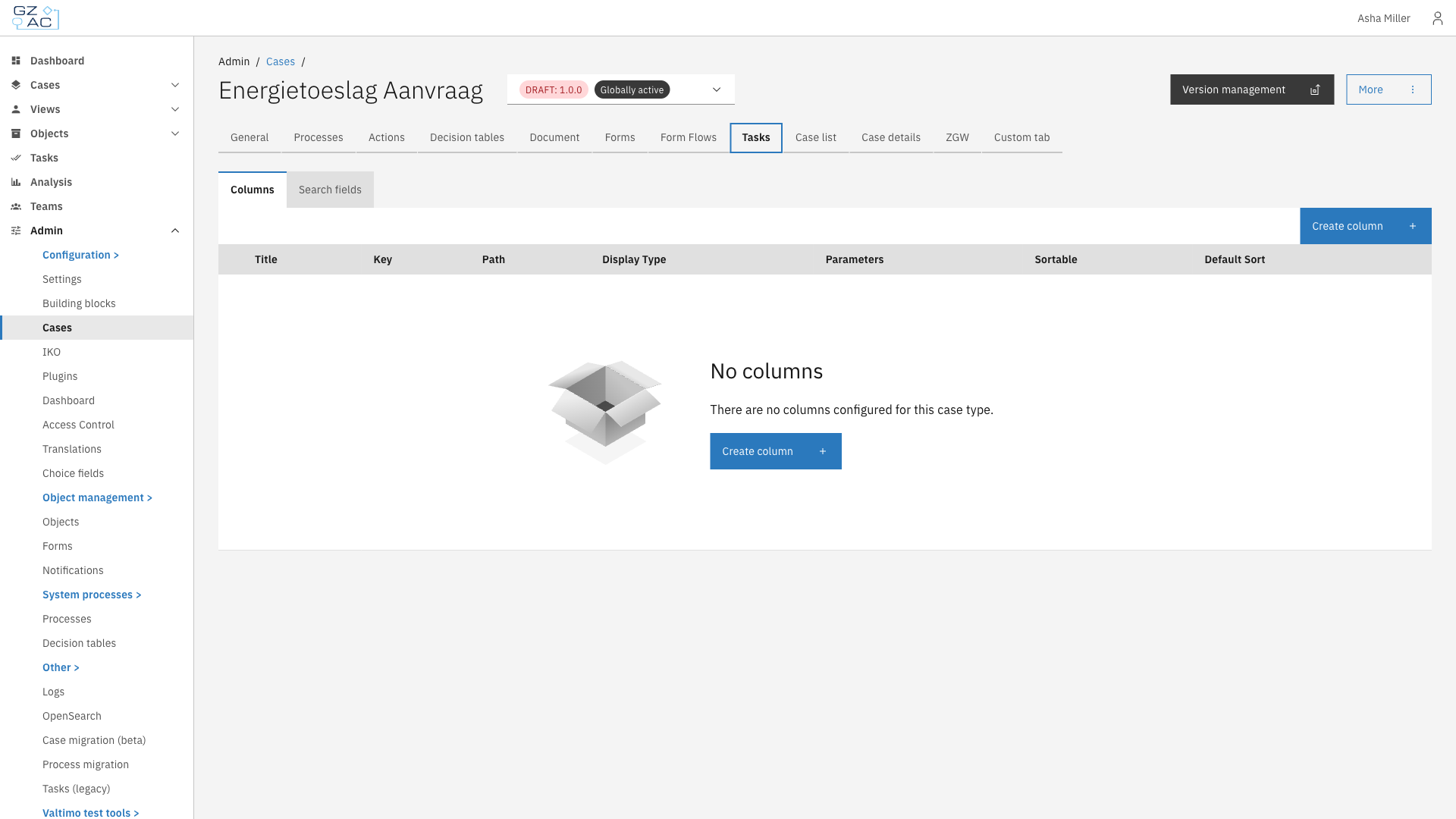
The Tasks tab configures how tasks appear in the end-user task list for a specific case type. This includes the columns displayed in the list and the search fields available for filtering.
This includes:
* [**Columns**](/configuration-guides/cases/tasks/columns.md) — Columns displayed in the task list
* [**Search fields**](/configuration-guides/cases/tasks/search-fields.md) — Search fields available for filtering tasks
***
## Configuring tasks
{% stepper %}
{% step %}
Expand **Admin** in the left sidebar
{% endstep %}
{% step %}
Click **Cases** under the Configuration section
{% endstep %}
{% step %}
Click a case definition to open it
{% endstep %}
{% step %}
Click the **Tasks** tab
Tasks tab overview
{% endstep %}
{% endstepper %}
{% hint style="info" %}
Task columns and search fields apply to **all** versions of the case definition, not just the currently selected version. Changes made here affect how all tasks for this case type appear in the task list.
{% endhint %}
***
## Access control
Access to tasks can be configured through access control. More information about access control can be found [here](/configuration-guides/access-control.md).
### Resources and actions
| Resource type | Action | Effect |
| -------------------------------------------------- | ------------ | -------------------------------------------- |
| `com.ritense.valtimo.operaton.domain.OperatonTask` | `view_list` | Allows viewing tasks in the task list |
| | `view` | Allows viewing individual task details |
| | `claim` | Allows claiming unclaimed tasks |
| | `assign` | Allows assigning tasks to users |
| | `assignable` | Allows being a candidate for task assignment |
| | `complete` | Allows completing tasks |
### Examples
Permission to view tasks in the list
```json
{
"resourceType": "com.ritense.valtimo.operaton.domain.OperatonTask",
"action": "view_list",
"conditions": []
}
```
Permission to complete tasks
```json
{
"resourceType": "com.ritense.valtimo.operaton.domain.OperatonTask",
"action": "complete",
"conditions": []
}
```