> For the complete documentation index, see [llms.txt](https://docs.valtimo.nl/llms.txt). Markdown versions of documentation pages are available by appending `.md` to page URLs; this page is available as [Markdown](https://docs.valtimo.nl/configuration-guides/cases/general.md).
# General
The General tab configures case-level settings that affect how the case behaves across the application. These settings include case handler assignment, external start forms, and document upload handling.
***
## Configuring general settings
{% stepper %}
{% step %}
Expand **Admin** in the left sidebar
{% endstep %}
{% step %}
Click **Cases** under the Configuration section
{% endstep %}
{% step %}
Click a case definition to open it
{% endstep %}
{% step %}
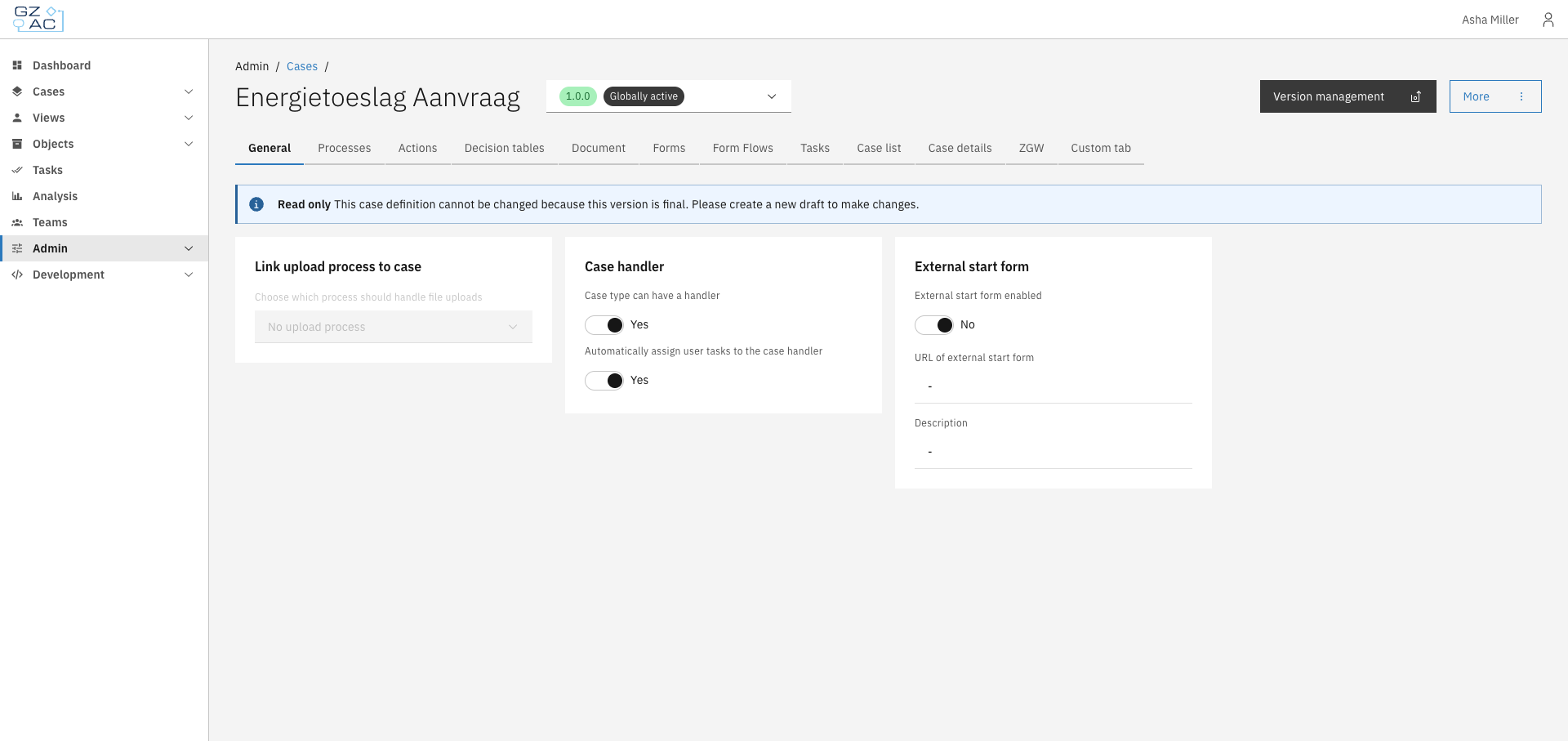
Click the **General** tab
General tab overview
{% endstep %}
{% endstepper %}
{% hint style="info" %}
Settings on this tab can only be modified in draft versions. Published versions are read-only.
{% endhint %}
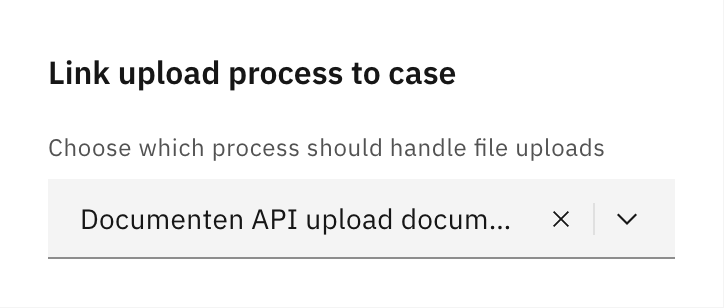
### Link upload process to case
Select which process should handle file uploads for this case type. When users upload documents to a case, the selected process is started to handle the upload.
Upload process configuration
| Property | Description |
| -------- | ----------------------------------------------------------------------- |
| Process | The BPMN process to start when files are uploaded to cases of this type |
Leave empty if document uploads should not trigger a process.
### Case handler
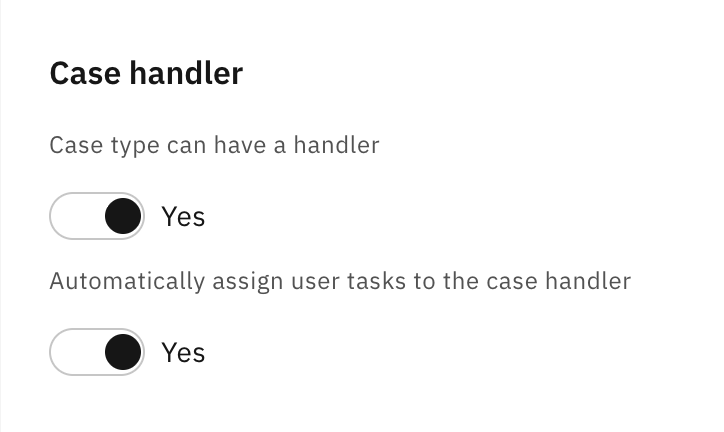
Configure whether cases of this type can be assigned to a handler (case worker) and whether tasks should automatically be assigned to the case handler.
Case handler settings
| Property | Description |
| --------------------------------------------------- | --------------------------------------------------------------------------------------------------------------------------------------------------- |
| Case type can have a handler | When enabled, cases can be assigned to users. This enables the assignment UI in the case detail view. |
| Automatically assign user tasks to the case handler | When enabled, new user tasks are automatically assigned to the current case handler. Only available when "Case type can have a handler" is enabled. |
### External start form
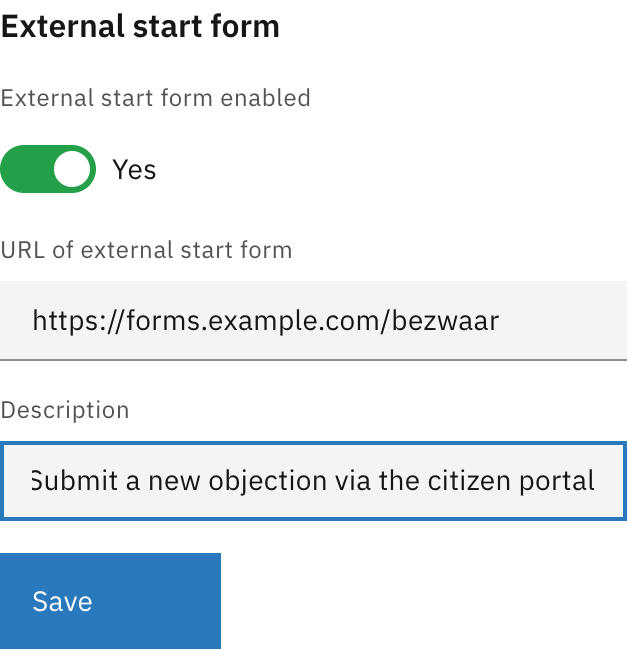
Configure an external form URL that users can access to start new cases. This is useful when case creation happens through an external portal or citizen-facing form application.
External start form settings
| Property | Description |
| --------------------------- | -------------------------------------------------------------------------------------------------------------------------------------------------------------------------------------------------------- |
| External start form enabled | Toggle to enable or disable the external form link |
| URL of external start form | The full URL where users can access the form (e.g., `https://forms.example.com/request`) |
| Description | Label shown in the "Start new case" modal as a clickable tile. When users have multiple ways to start a case (external form + linked processes), this text helps them identify the external form option. |
When enabled, click **Save** to apply changes.
### Missing plugin configurations
When importing a case definition from another environment, plugin configurations referenced in process links may not exist in the target environment. When this occurs, a notification appears at the top of the General tab allowing you to map the missing configurations to existing ones.
For each missing plugin configuration:
1. Select an existing plugin configuration from the dropdown
2. Click **Save** to apply the mapping
This resolves the "Needs configuration" status shown in the case list.