> For the complete documentation index, see [llms.txt](https://docs.valtimo.nl/llms.txt). Markdown versions of documentation pages are available by appending `.md` to page URLs; this page is available as [Markdown](https://docs.valtimo.nl/configuration-guides/cases/forms/email-preview-component.md).
# E-mail preview component
Display a rendered preview of an e-mail inside a form.
## Overview
The E-mail preview component is a custom Form.io component that renders e-mail HTML from a case or process variable inside a form. This allows a case worker to see the exact e-mail — for example an automatically generated confirmation — directly in a user task, before it is sent or after it has been stored on the case.
The component is read-only: it does not collect input, it only renders the HTML value found at the configured variable key.
## How it works
The component key is automatically set to the configured **Variabele sleutel** (variable key). Because the key matches the data path of the variable, the standard Valtimo form prefilling fills the component with the e-mail HTML stored at that path, and the component renders it as an e-mail preview.
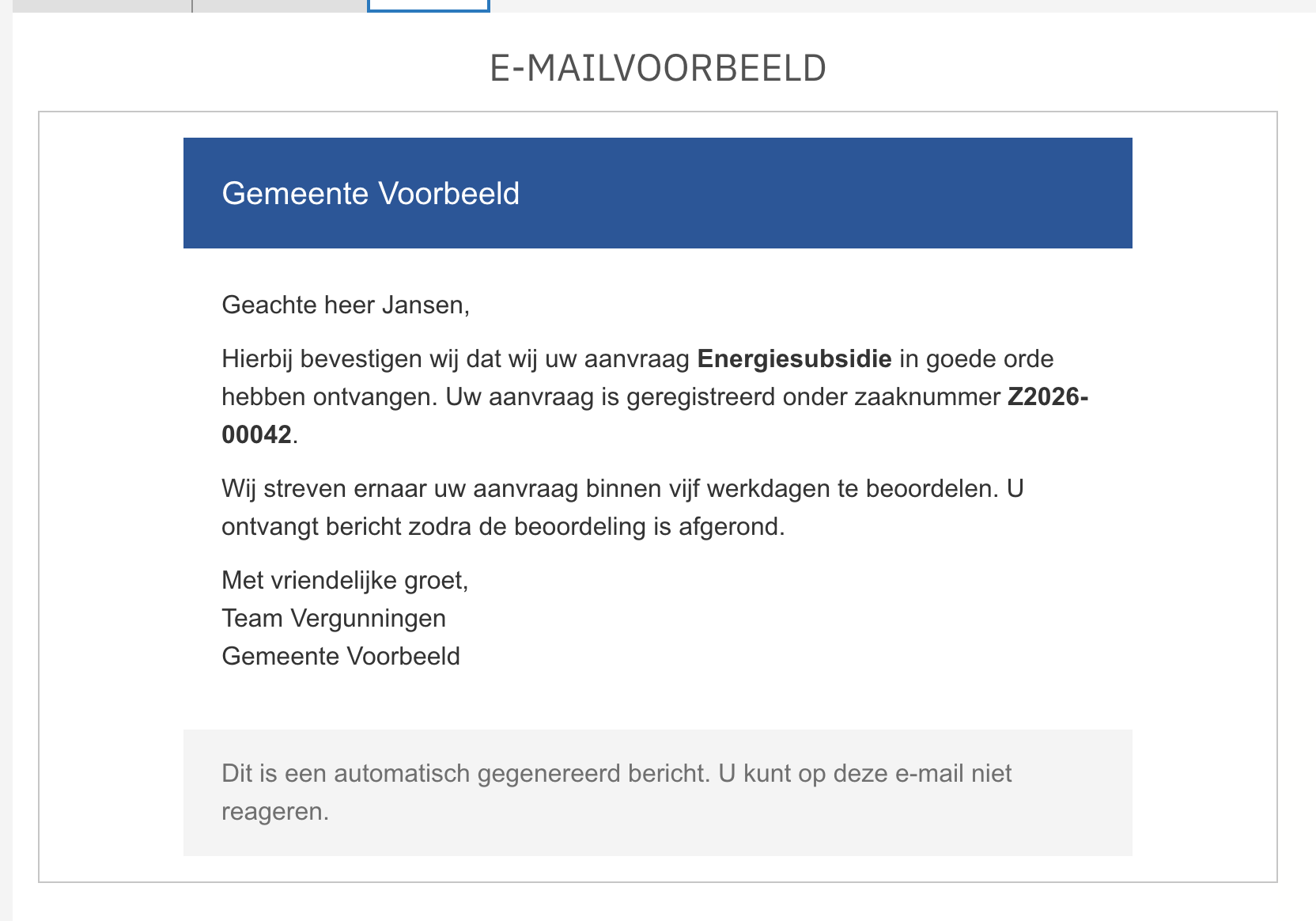
* When a value is present, it is rendered as HTML inside a bordered preview area, below an **E-MAILVOORBEELD** header.
* When no value is available yet, a placeholder text is shown instead (*Hier wordt het e-mailvoorbeeld getoond.*).
* In the form builder, the configured variable key is displayed underneath the header as a reminder of which variable is previewed. On rendered forms this key is hidden.
A rendered e-mail preview on a form
{% hint style="warning" %}
The component renders the variable value as raw HTML. Only point it at trusted content that is generated by your own implementation (for example e-mail templates filled by a process), never at free user input.
{% endhint %}
## Registration
The component must be registered in the application module before it can be used in forms.
```typescript
import {registerFormioMailPreviewComponent} from '@valtimo/components';
@NgModule({
// ...
})
export class AppModule {
constructor(private readonly injector: Injector) {
registerFormioMailPreviewComponent(injector);
}
}
```
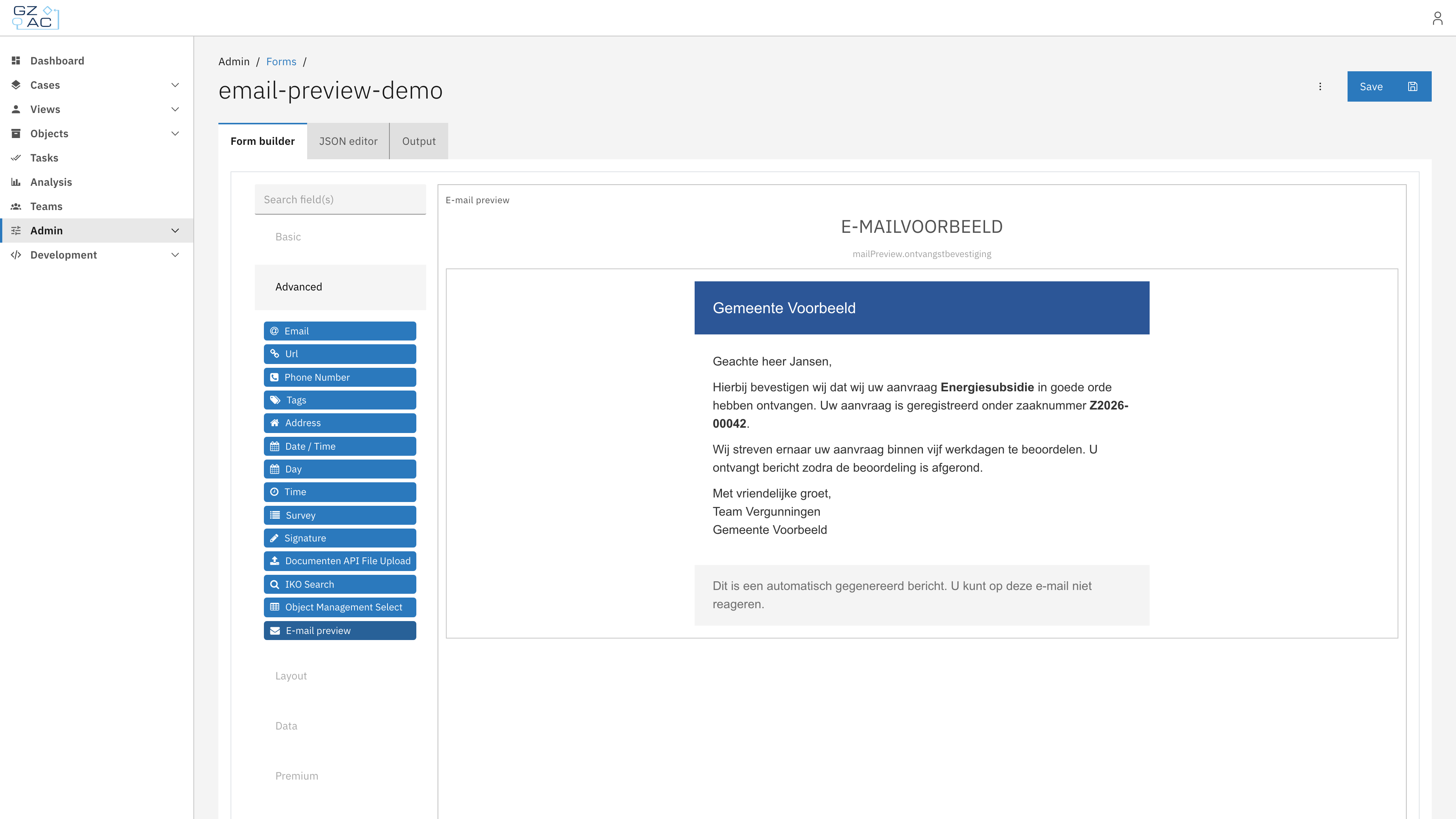
After registration, the **E-mail preview** component appears in the Form.io form builder under the **Advanced** section.
## Adding the component to a form
{% stepper %}
{% step %}
Open a form in the form editor, for example from the case's [Forms](/configuration-guides/cases/forms.md) tab
{% endstep %}
{% step %}
In the form builder, expand the **Advanced** group in the component palette and drag **E-mail preview** onto the form
The E-mail preview component in the form builder
{% endstep %}
{% step %}
Configure the component and press **Save**, then save the form
{% endstep %}
{% endstepper %}
## Configuration
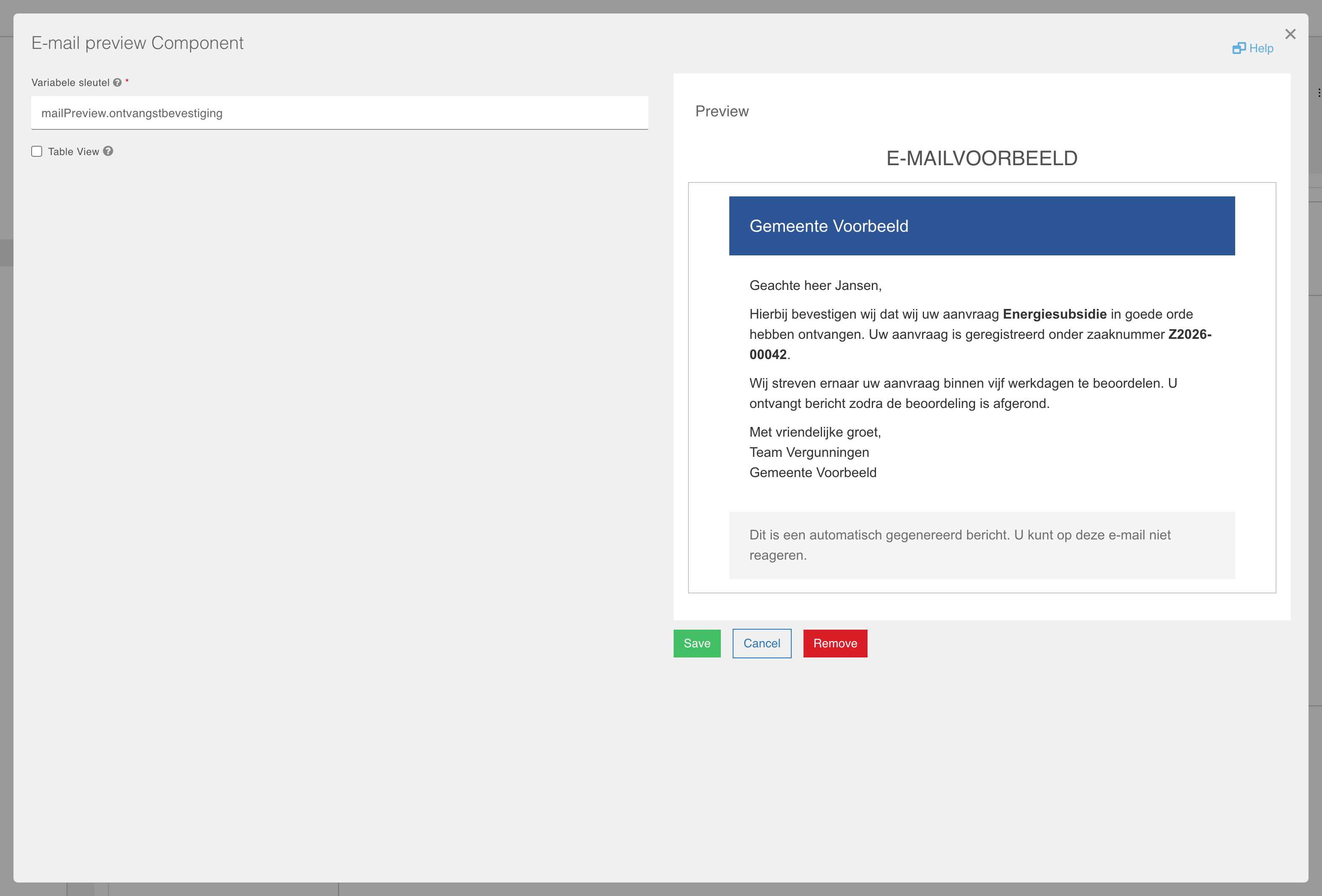
The E-mail preview component settings
| Field | Required | Description |
| ----------------- | -------- | ----------------------------------------------------------------------------------------------------------------------------------------------------------- |
| Variabele sleutel | Yes | The data path of the variable that contains the e-mail HTML (e.g. `mailPreview.ontvangstbevestiging`). The component key is automatically set to this path. |
| Table View | No | If checked, the value shows up in the table view of the submissions list. |
### Form JSON example
```json
{
"type": "valtimo-mail-preview",
"key": "mailPreview.ontvangstbevestiging",
"label": "E-mail preview",
"hideLabel": true,
"input": true,
"customOptions": {
"variableKey": "mailPreview.ontvangstbevestiging"
}
}
```
## Dark mode
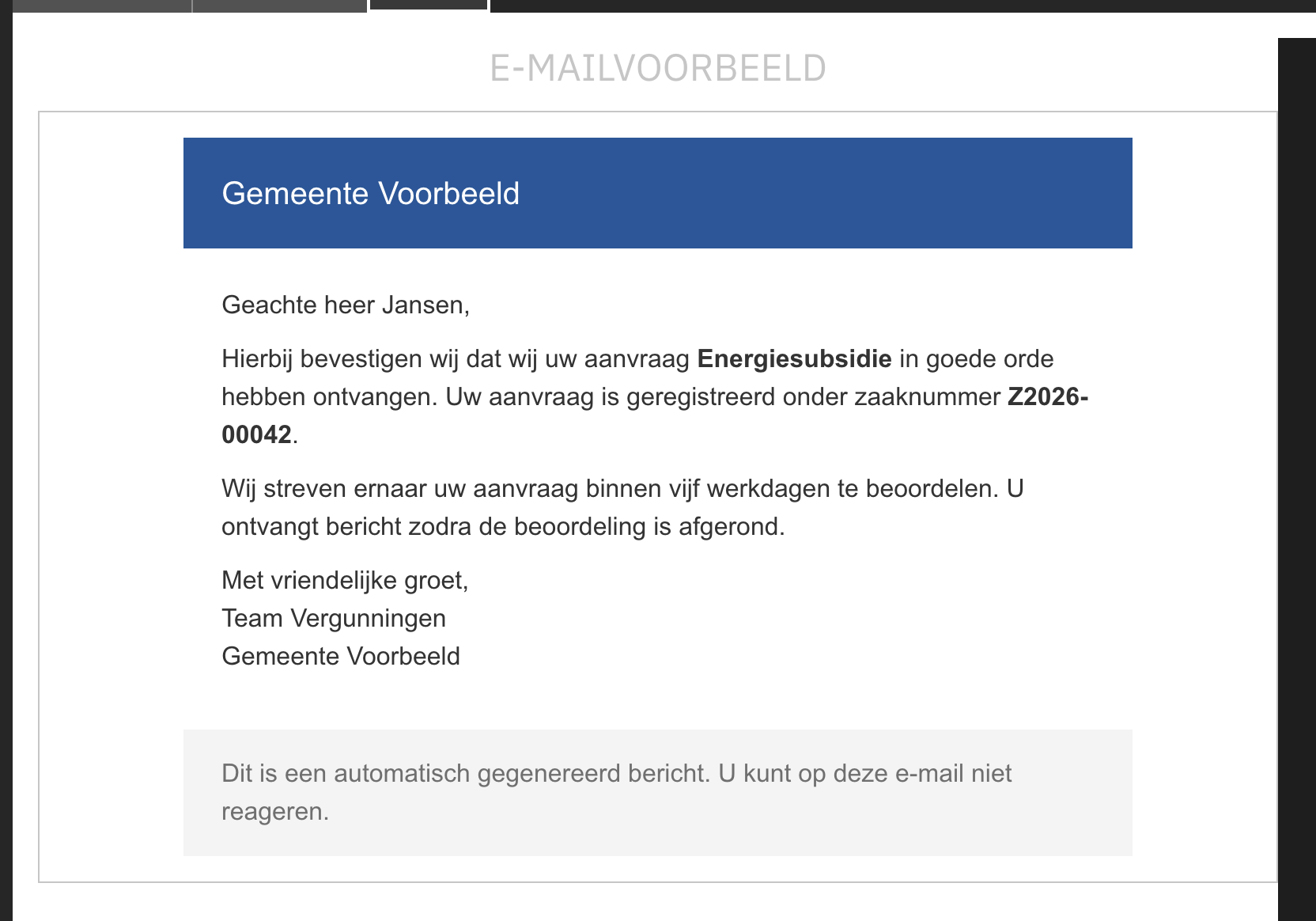
E-mails are authored against a light background. Like an e-mail client, the preview surface therefore always stays light, regardless of the active Valtimo theme, so the e-mail keeps displaying exactly as the recipient sees it. The rest of the component follows the active theme.
The e-mail preview in dark mode
## Related
* [Forms](/configuration-guides/cases/forms.md)
* [What is a form?](/valtimo-fundamentals/form.md)