> For the complete documentation index, see [llms.txt](https://docs.valtimo.nl/llms.txt). Markdown versions of documentation pages are available by appending `.md` to page URLs; this page is available as [Markdown](https://docs.valtimo.nl/configuration-guides/cases/forms.md).
# Forms
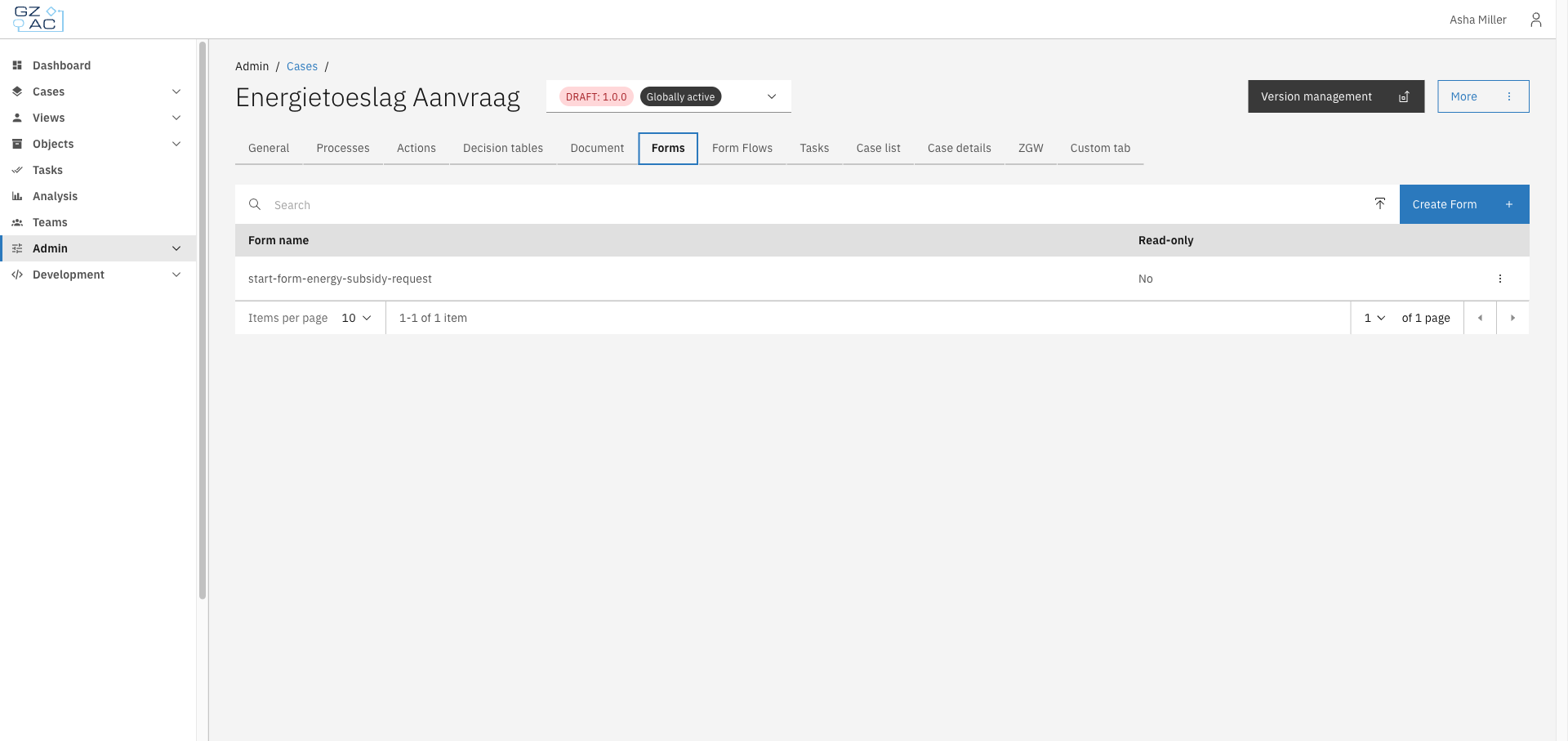
The Forms tab lets you manage the Form.io form definitions available for the case. These forms are used as start forms, user task forms, and other form-driven steps within the case's processes.
Each form definition is a [Form.io](https://form.io) form: a JSON structure describing input fields, layout, and validation, built with a drag-and-drop builder. Forms can be created from scratch, uploaded from a `.json` file, or duplicated from an existing form.
Some forms are marked **Read-only** — for example, forms that are deployed from the classpath as part of a case's default configuration. Read-only forms can be viewed and downloaded but not edited, uploaded to, or deleted.
***
## Configuring forms
{% stepper %}
{% step %}
Expand **Admin** in the left sidebar
{% endstep %}
{% step %}
Click **Cases** under the Configuration section
{% endstep %}
{% step %}
Click a case definition to open it
{% endstep %}
{% step %}
Click the **Forms** tab
{% endstep %}
{% endstepper %}
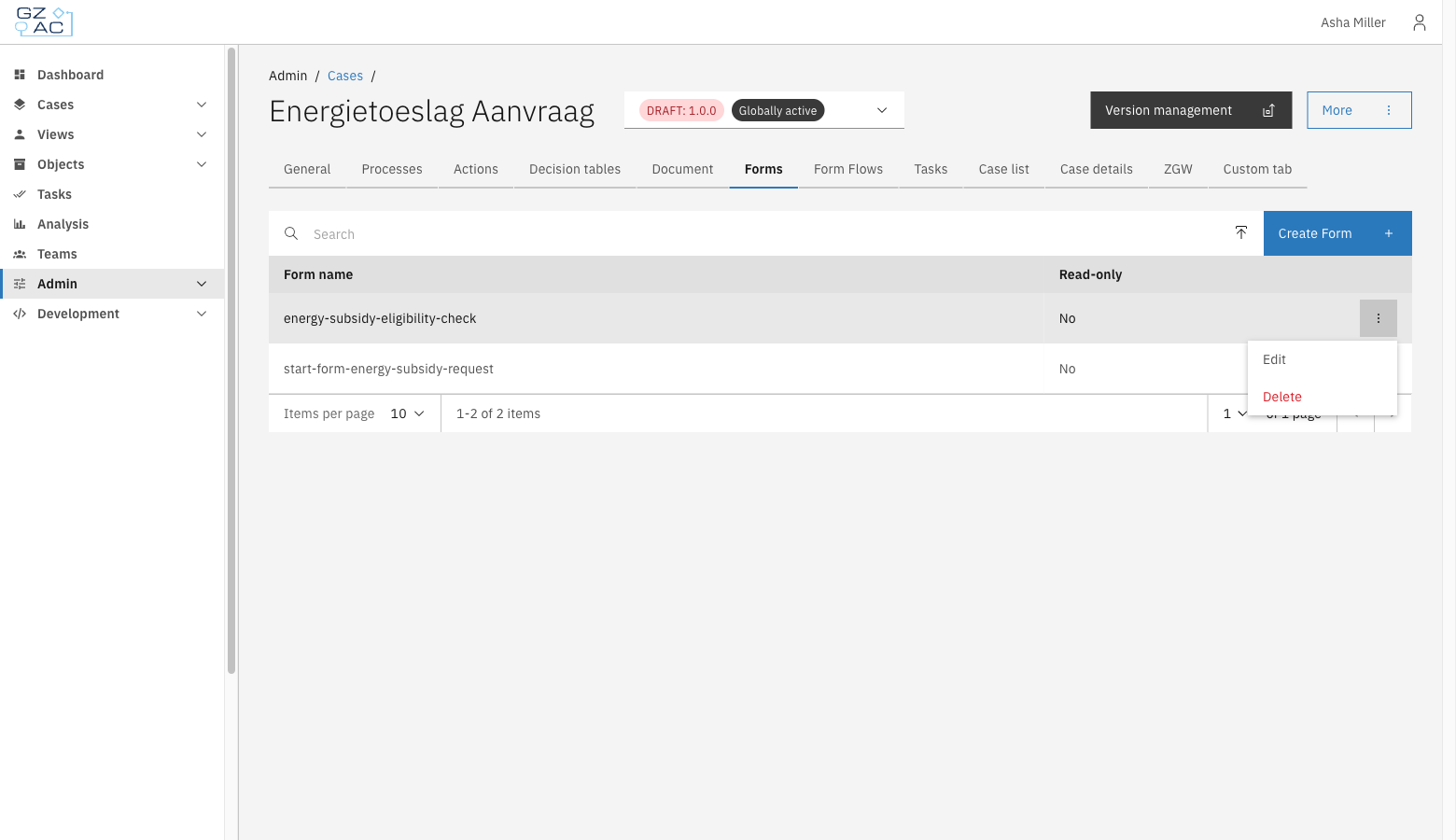
The list shows every form definition available to the case, with its **Form name** and whether it's **Read-only**. Use the search field to filter by name.
{% hint style="info" %}
Forms can only be created, uploaded, duplicated, or deleted on a draft case version. Published versions are read-only.
{% endhint %}
### Creating a form
{% stepper %}
{% step %}
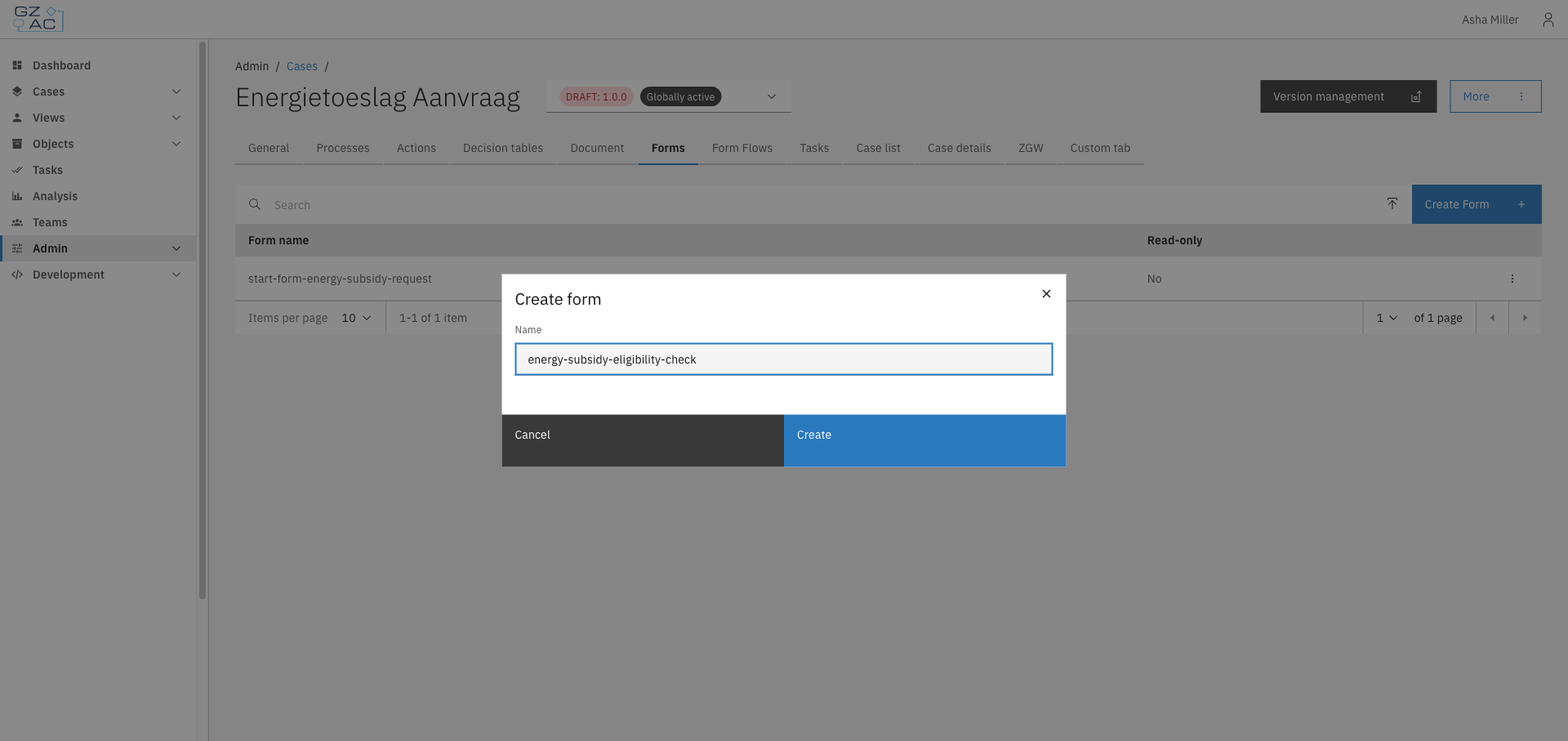
Click **Create Form**
{% endstep %}
{% step %}
Enter a **Name** for the form
{% endstep %}
{% step %}
Click **Create**
{% endstep %}
{% endstepper %}
An empty form definition is created and opens directly in the form editor.
### Uploading a form
To upload an existing form definition from a `.json` file:
{% stepper %}
{% step %}
Click the upload icon in the toolbar, next to **Create Form**
{% endstep %}
{% step %}
Enter a **Name** for the form and click **Create**
{% endstep %}
{% step %}
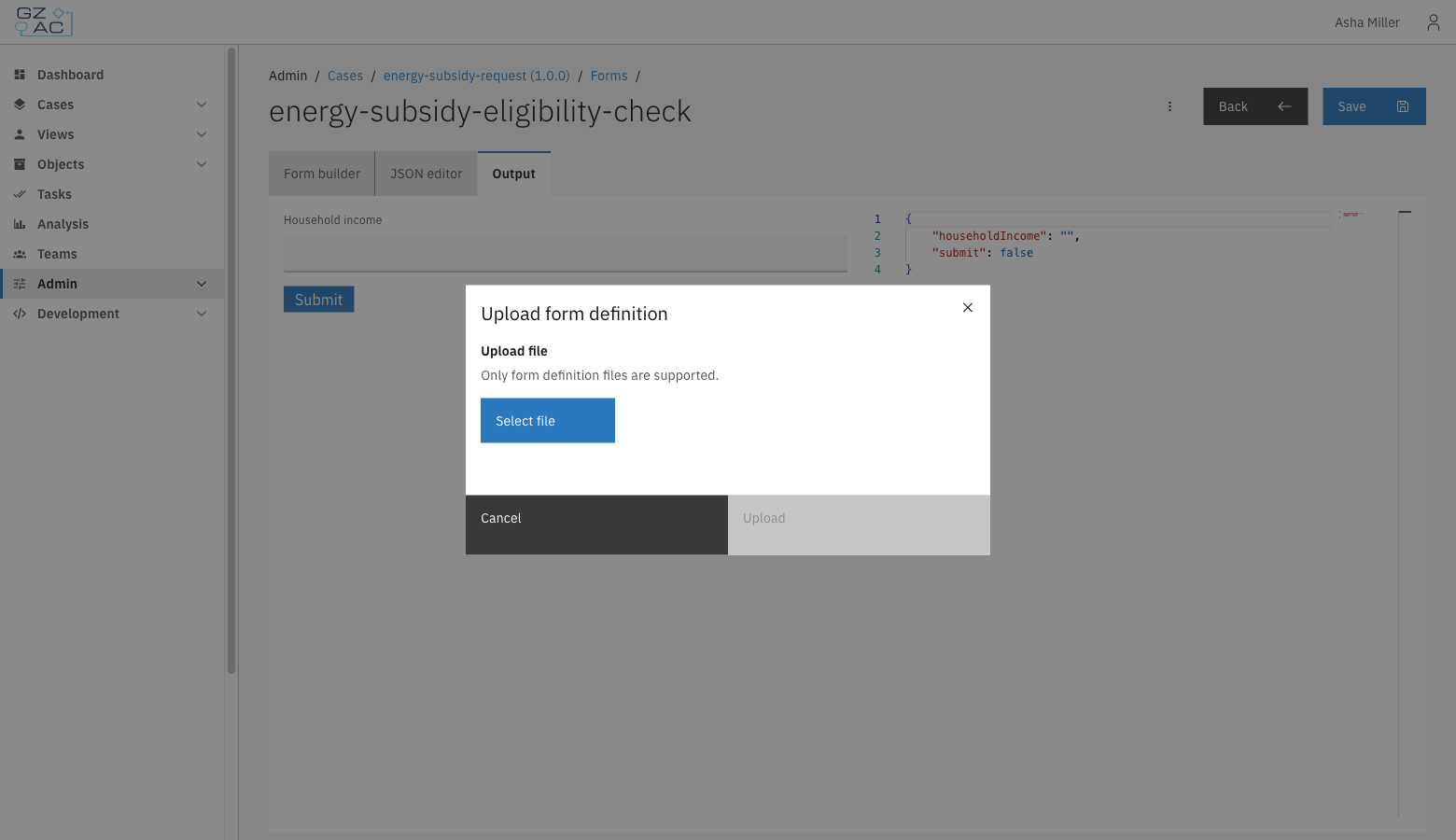
Select the `.json` file to upload
{% endstep %}
{% step %}
Click **Upload**
{% endstep %}
{% endstepper %}
The uploaded file replaces the (empty) content of the newly created form.
{% hint style="info" %}
Only Form.io form definition files (`.json`) are supported.
{% endhint %}
### Editing a form
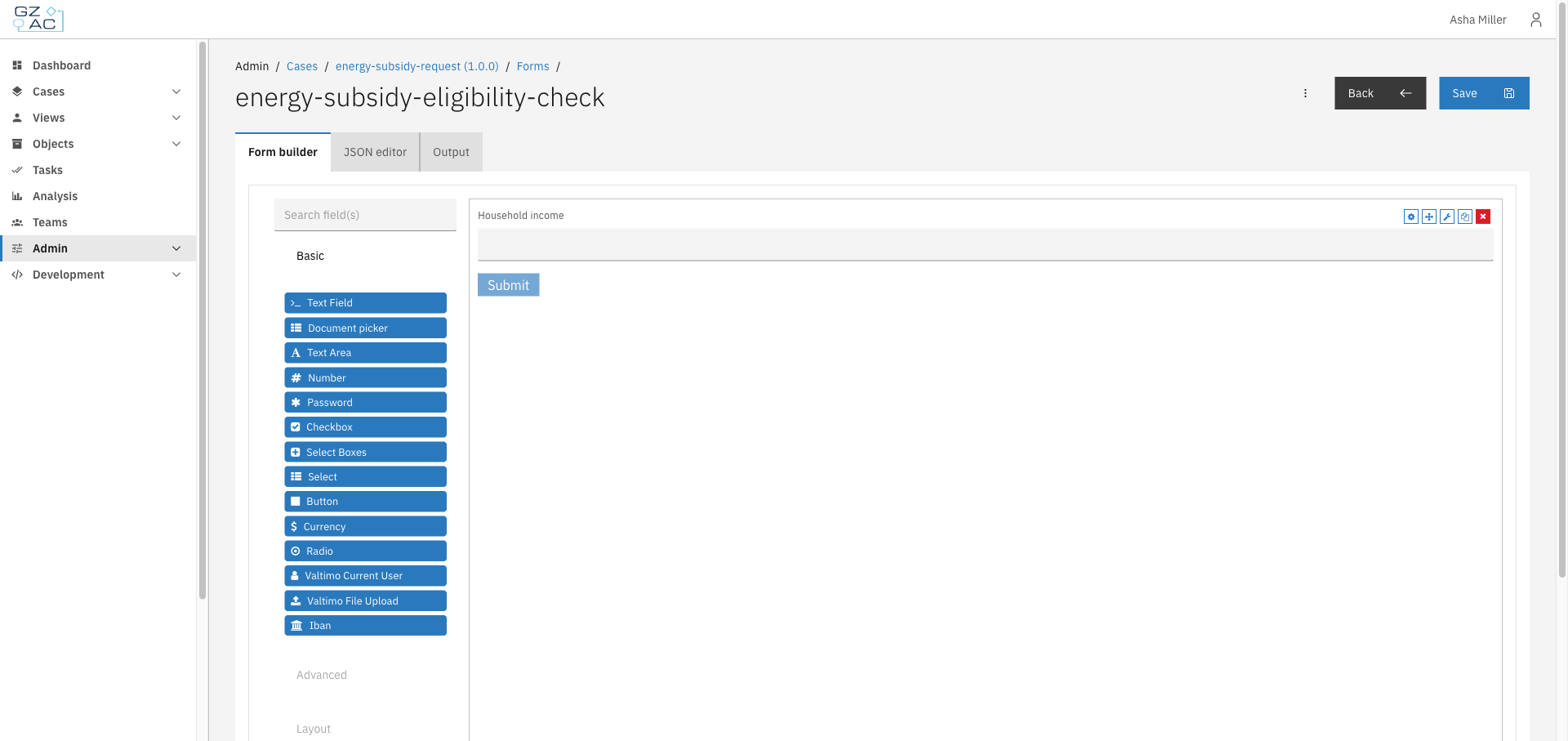
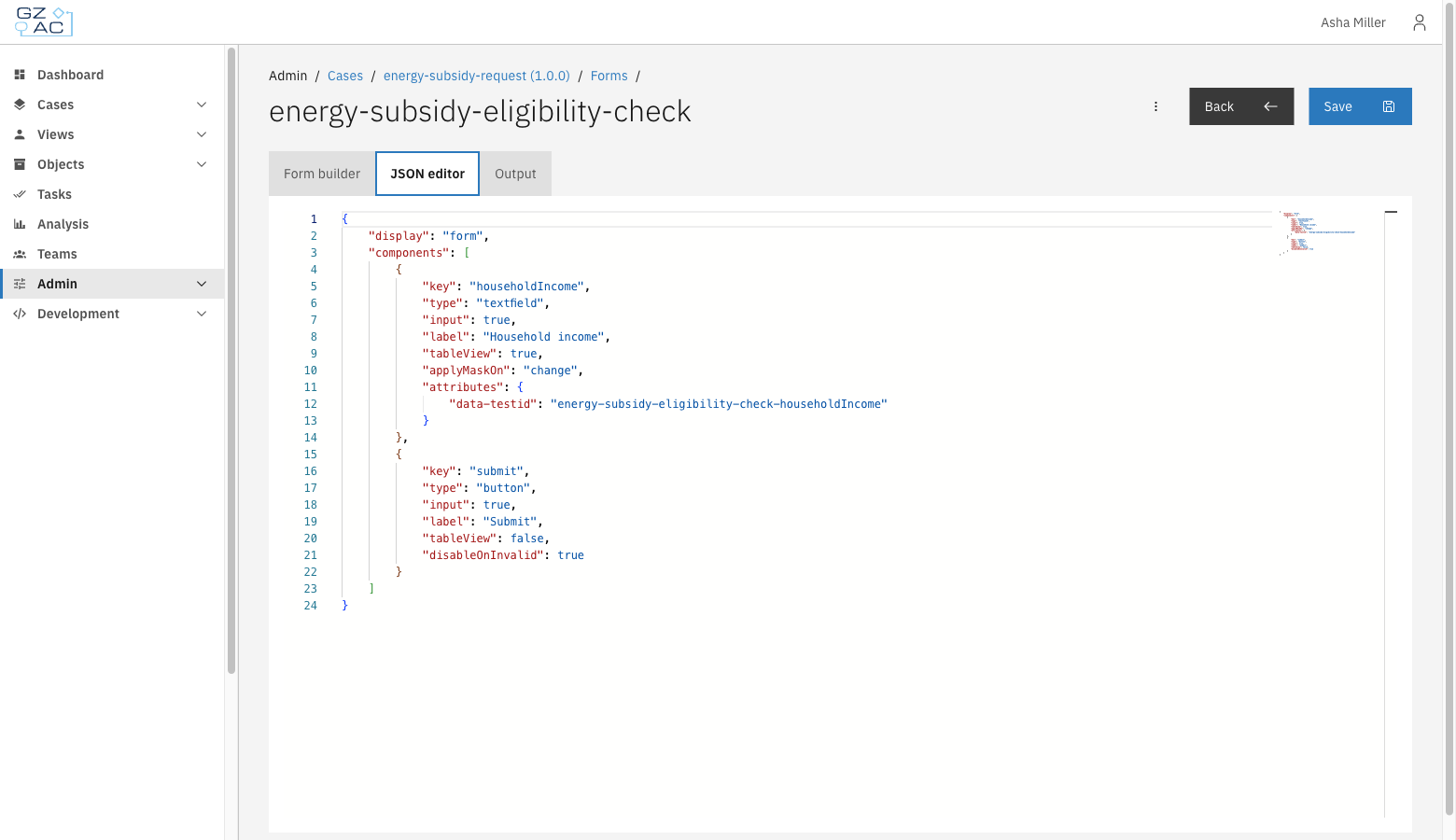
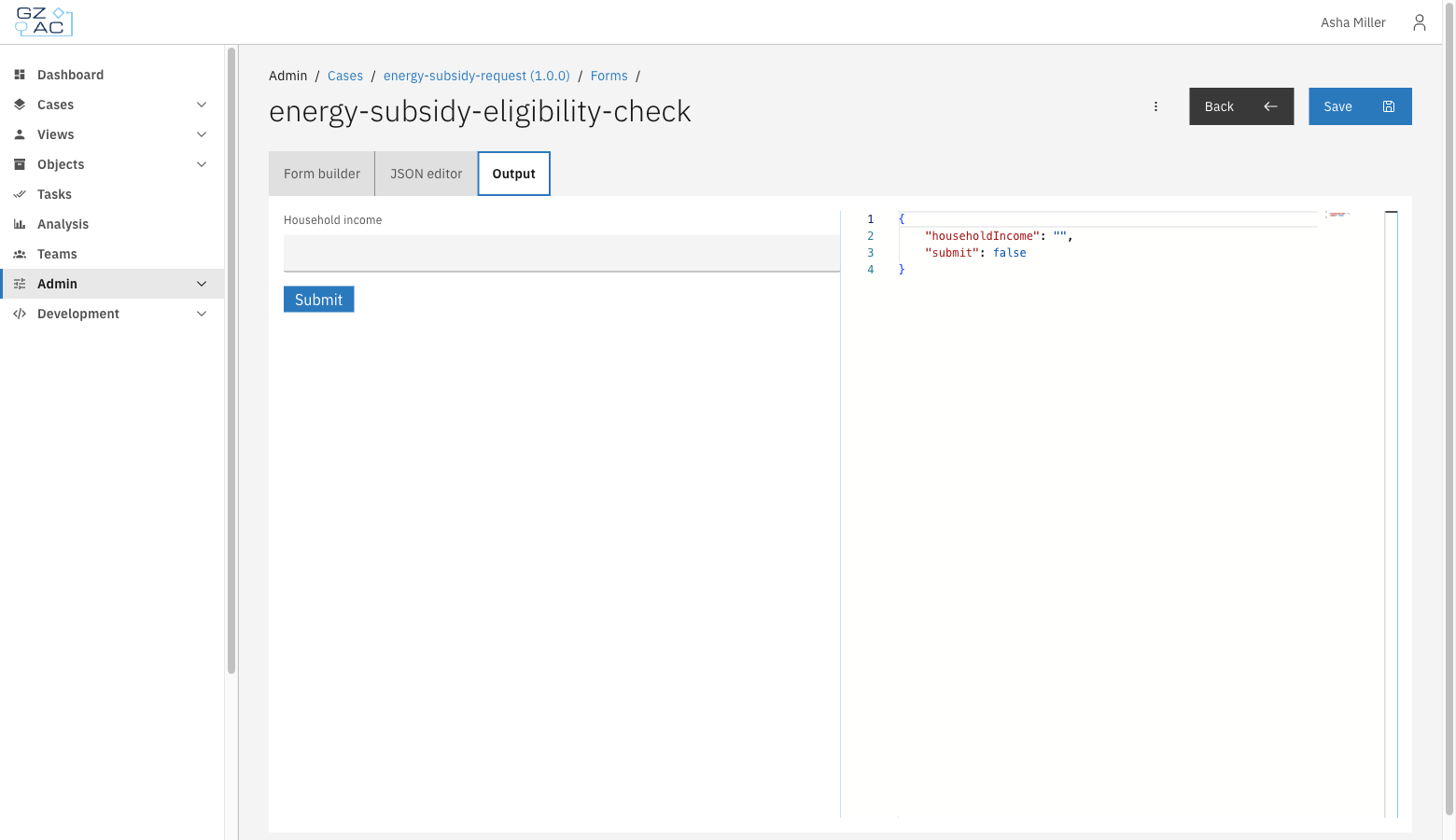
Click a row, or use **Edit** from the row's overflow menu (⋮), to open a form in the editor. The editor has three tabs:
**Form builder** — drag components from the palette onto the canvas to compose the form.
**JSON editor** — view and edit the raw Form.io JSON definition directly.
**Output** — preview the rendered form and see the JSON output it would produce on submission.
Click **Save** to persist changes. The **Save** button, and the JSON editor, are disabled when the form is read-only or the case version isn't a draft — in that case a blue **Read-only** tag appears next to the form name.
### Form actions
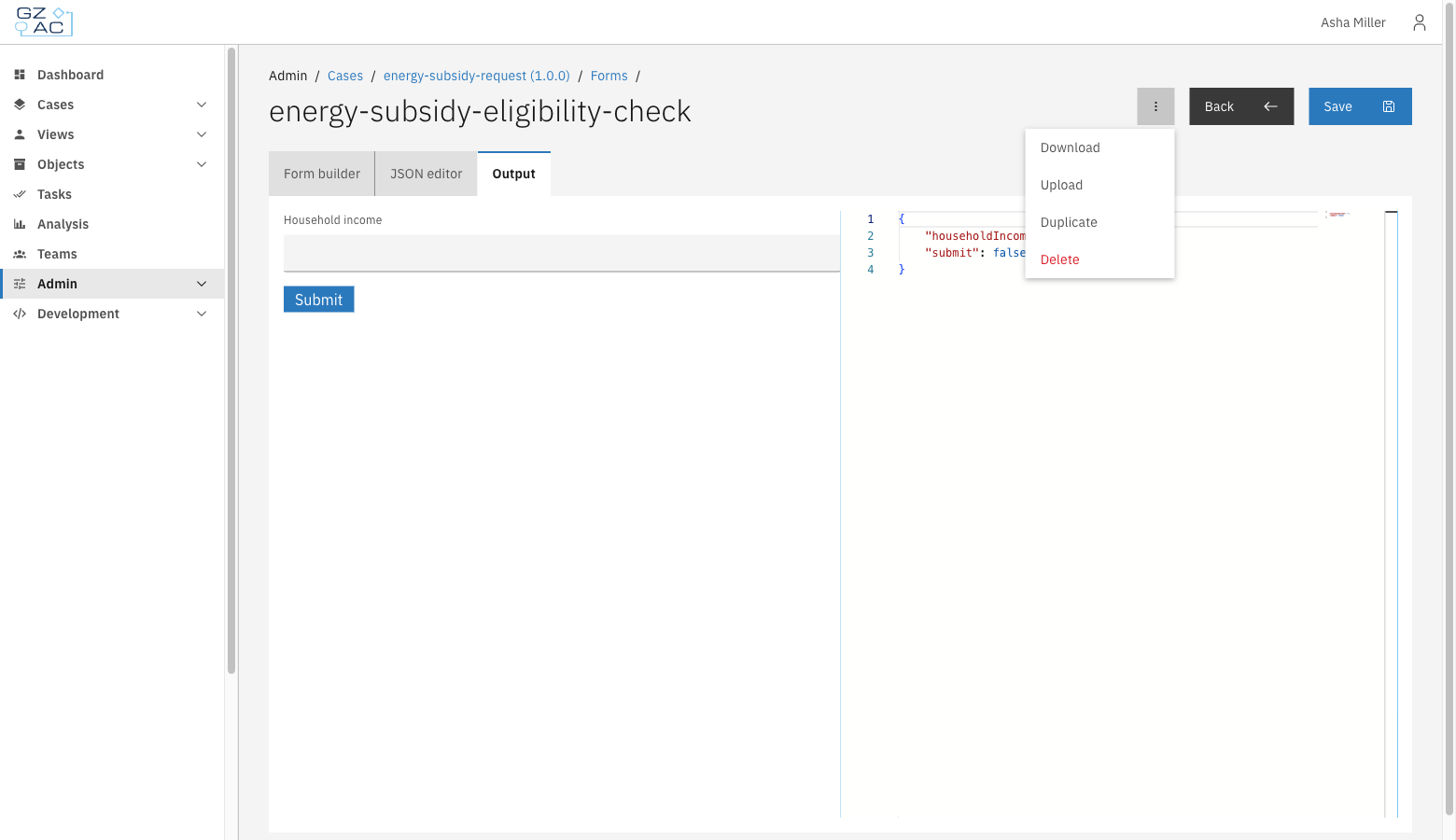
Use the overflow menu (⋮) in the editor header for additional actions:
* **Download** — download the form definition as a `.json` file
* **Upload** — replace the current form's content by uploading a `.json` file
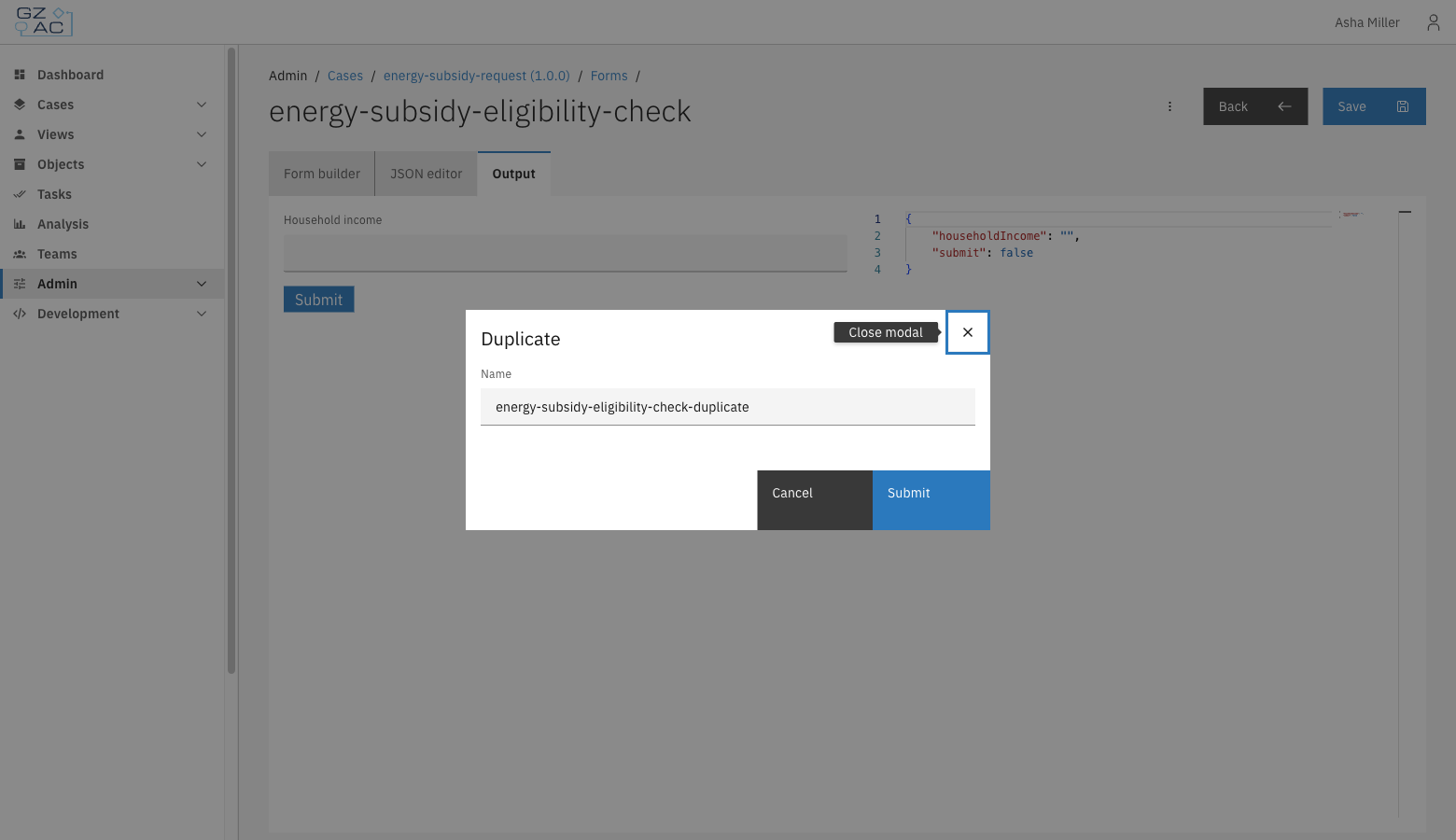
* **Duplicate** — copy the form under a new name
* **Delete** — remove the form definition
### Managing forms in the list
From the list, use the row's overflow menu (⋮) to **Edit** or **Delete** a form directly, without opening it first.
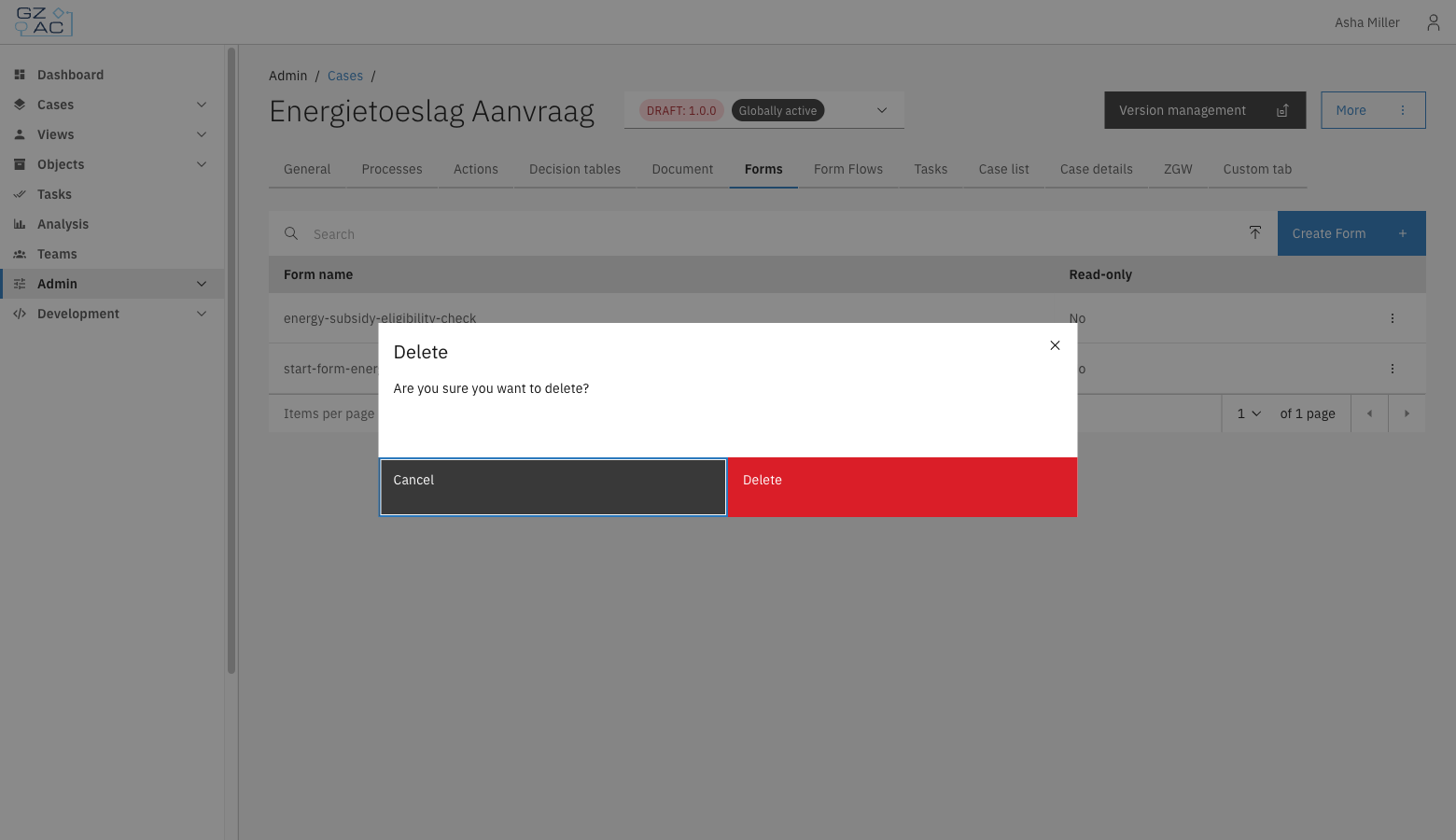
Deleting a form, whether from the list or from within the editor, requires confirmation:
{% hint style="warning" %}
Deleting a form cannot be undone. Any process link or case configuration that references the deleted form will stop working correctly.
{% endhint %}