> For the complete documentation index, see [llms.txt](https://docs.valtimo.nl/llms.txt). Markdown versions of documentation pages are available by appending `.md` to page URLs; this page is available as [Markdown](https://docs.valtimo.nl/configuration-guides/cases/document.md).
# Document
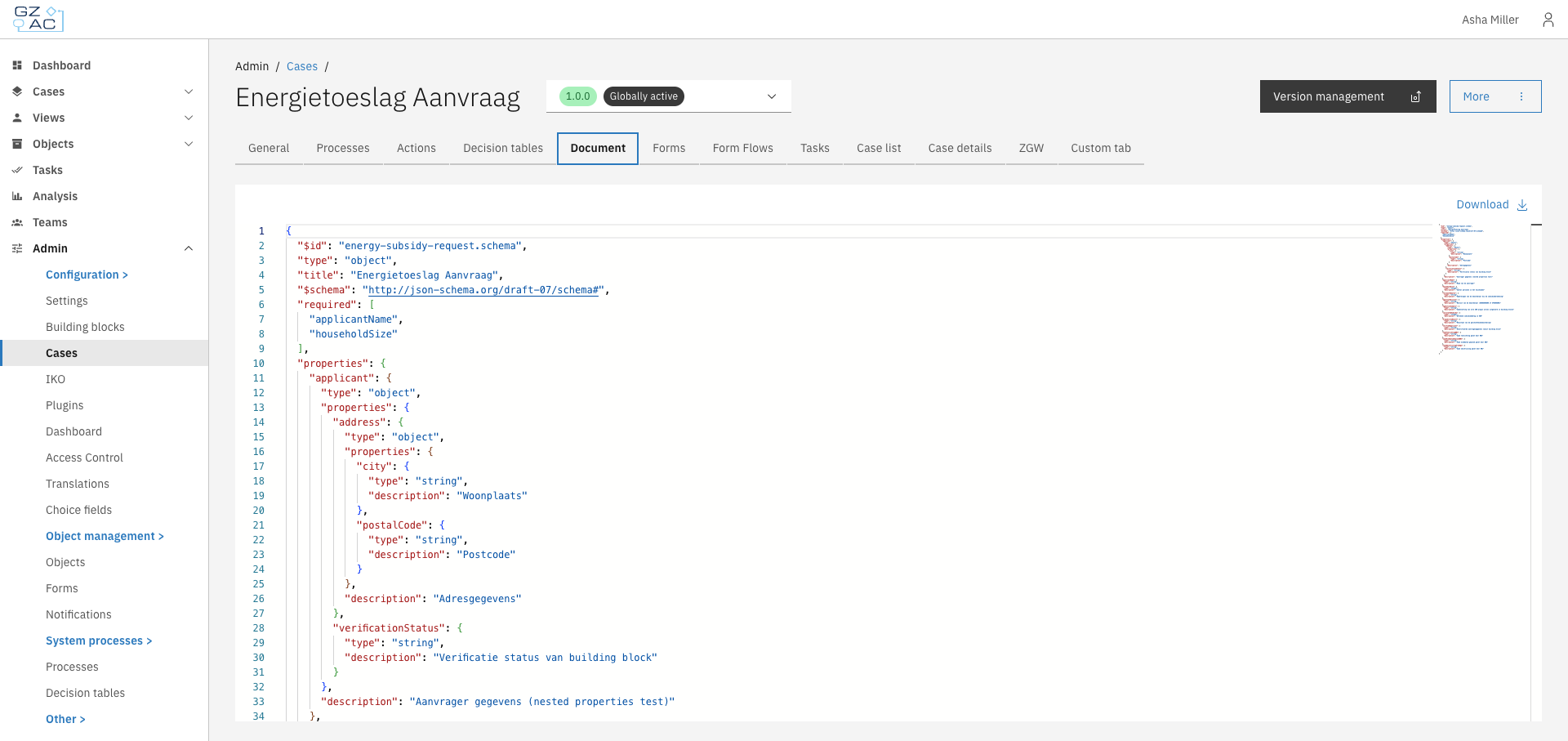
The Document tab displays and allows editing of the JSON schema that defines the case's data structure. This schema determines what data fields are available in the case and their types, validation rules, and descriptions.
Every case type in Valtimo has a document definition — a JSON Schema that describes the structure of data stored in each case instance. The Document tab provides a JSON editor to view and modify this schema directly.
The schema follows the [JSON Schema](https://json-schema.org/) specification (draft-07) and defines:
* **Properties** — The data fields available in the case (strings, numbers, objects, arrays)
* **Required fields** — Which properties must have values
* **Nested structures** — Objects within objects for organizing related data
* **Descriptions** — Human-readable explanations shown in forms and UI
***
## Configuring a document definition
{% stepper %}
{% step %}
Expand **Admin** in the left sidebar
{% endstep %}
{% step %}
Click **Cases** under the Configuration section
{% endstep %}
{% step %}
Click a case definition to open it
{% endstep %}
{% step %}
Click the **Document** tab
{% endstep %}
{% endstepper %}
{% hint style="info" %}
On final (published) versions, the schema is read-only. Only the **Download** button is available.
{% endhint %}
### Editing the schema
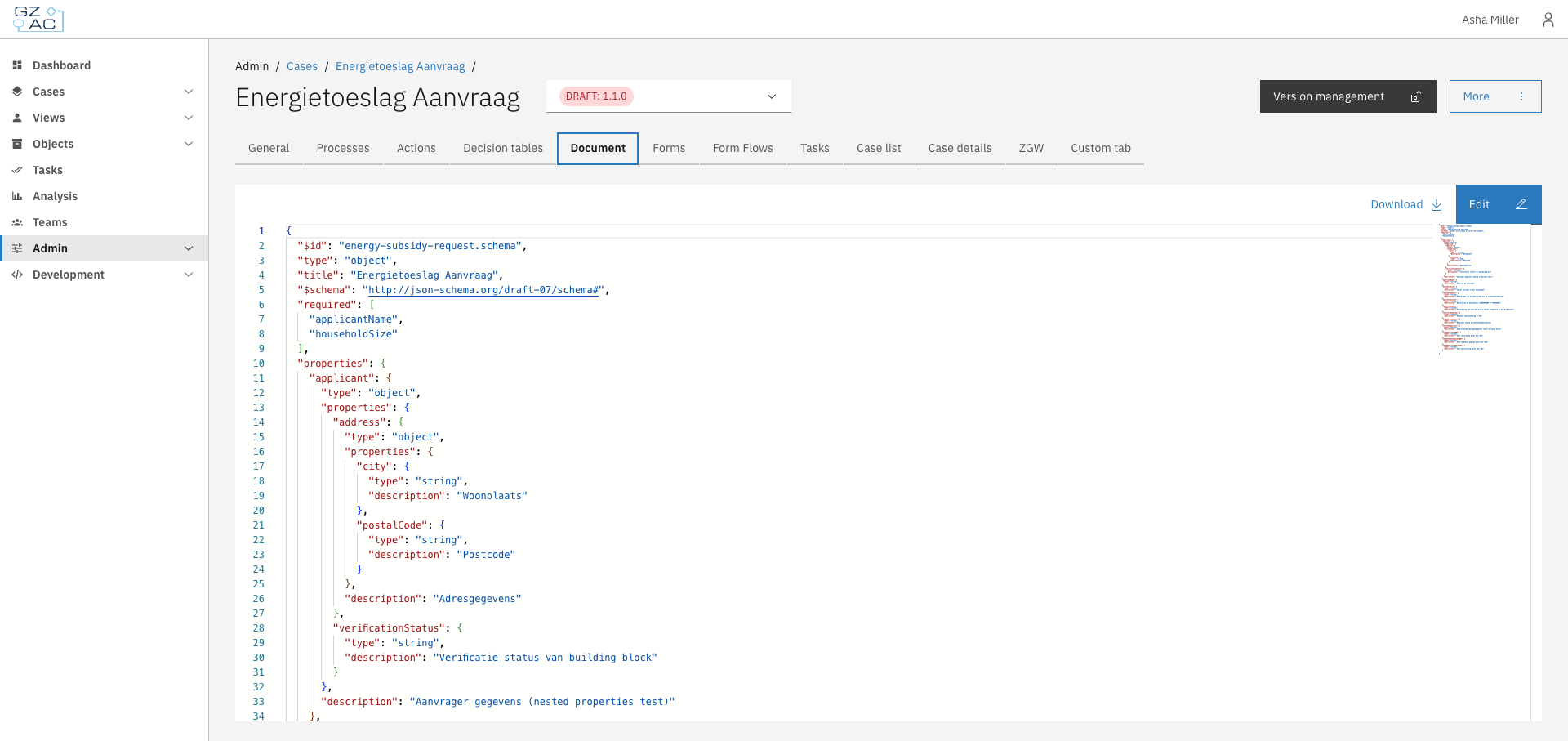
To edit the document definition, you must be viewing a draft version of the case.
{% stepper %}
{% step %}
Click **Edit** to enter edit mode
{% endstep %}
{% step %}
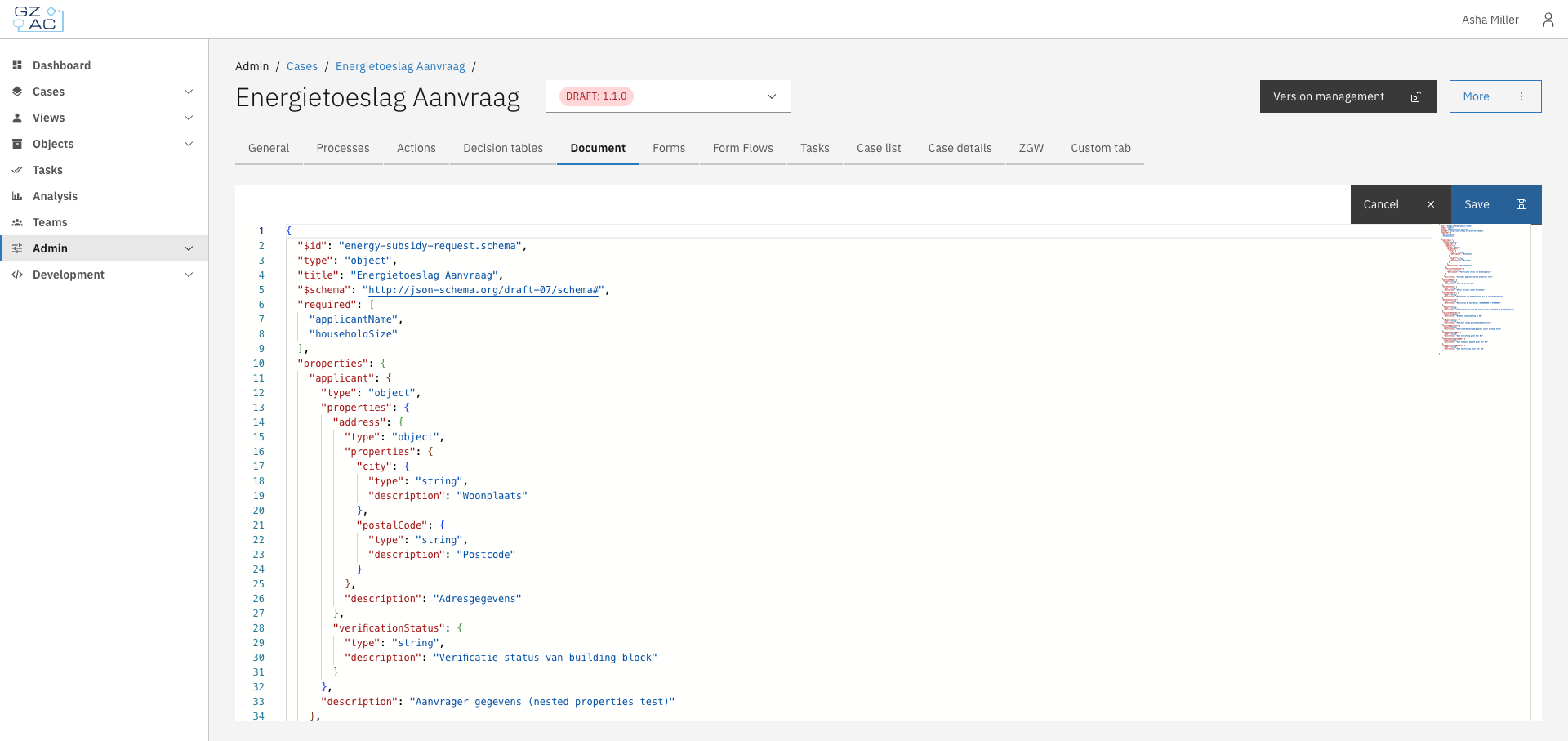
Modify the JSON schema in the editor
{% endstep %}
{% step %}
Click **Save** to apply changes, or **Cancel** to discard
{% endstep %}
{% endstepper %}
{% hint style="warning" %}
Changes to the document definition affect how case data is stored and displayed. Ensure your schema is valid JSON Schema before saving. Invalid schemas may cause errors in forms and case views.
{% endhint %}
### Downloading the schema
Click **Download** to save the schema as a JSON file. The file is named `{case-key}-v{version}.json` (e.g., `energy-subsidy-request-v1.0.0.json`).
This is useful for:
* Backing up the schema before making changes
* Sharing definitions between environments
* Version control in external repositories
***
## Schema structure
A typical document definition includes:
```json
{
"$id": "my-case.schema",
"$schema": "http://json-schema.org/draft-07/schema#",
"title": "My Case",
"type": "object",
"required": ["applicantName"],
"properties": {
"applicantName": {
"type": "string",
"description": "Name of the applicant"
},
"status": {
"type": "string",
"description": "Current case status"
}
}
}
```
| Field | Description |
| ------------ | ------------------------------------------------------------------- |
| `$id` | Unique identifier for the schema |
| `$schema` | JSON Schema version (use `http://json-schema.org/draft-07/schema#`) |
| `title` | Display name for the case type |
| `type` | Always `object` for document definitions |
| `required` | Array of property names that must have values |
| `properties` | Object containing field definitions |