> For the complete documentation index, see [llms.txt](https://docs.valtimo.nl/llms.txt). Markdown versions of documentation pages are available by appending `.md` to page URLs; this page is available as [Markdown](https://docs.valtimo.nl/configuration-guides/cases/actions.md).
# Actions
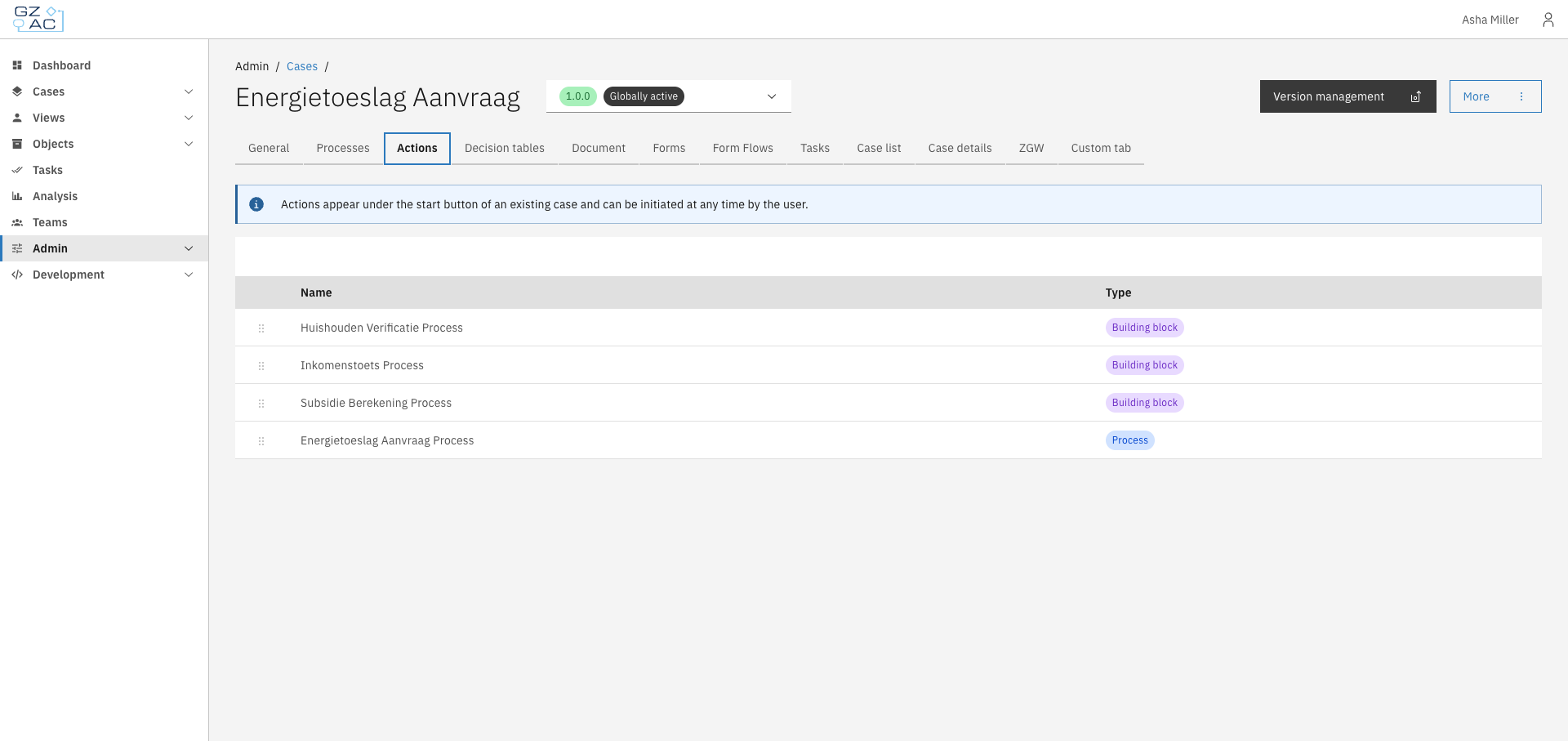
The Actions tab lets you configure startable items — processes and building blocks that end users can trigger directly from a case. These actions appear under the start button when viewing an existing case.
Actions provide a way for users to initiate additional workflows from within an existing case. This is useful for:
* Starting follow-up processes related to the current case
* Triggering reusable building blocks that perform common operations
* Providing users with context-specific actions without requiring them to navigate elsewhere
There are two types of actions:
| Type | Description |
| ------------------ | ------------------------------------------------------------------------------------------------------------------------------------------------------------------ |
| **Process** | A BPMN process definition linked to the case. Starting this action runs the process in the context of the current case. |
| **Building block** | A reusable building block that can be configured with input/output mappings. See [Building blocks](/configuration-guides/building-blocks.md) for more information. |
***
## Configuring actions
{% stepper %}
{% step %}
Expand **Admin** in the left sidebar
{% endstep %}
{% step %}
Click **Cases** under the Configuration section
{% endstep %}
{% step %}
Click a case definition to open it
{% endstep %}
{% step %}
Click the **Actions** tab
{% endstep %}
{% endstepper %}
The list shows all configured actions with their names and types.
### Adding an action
{% stepper %}
{% step %}
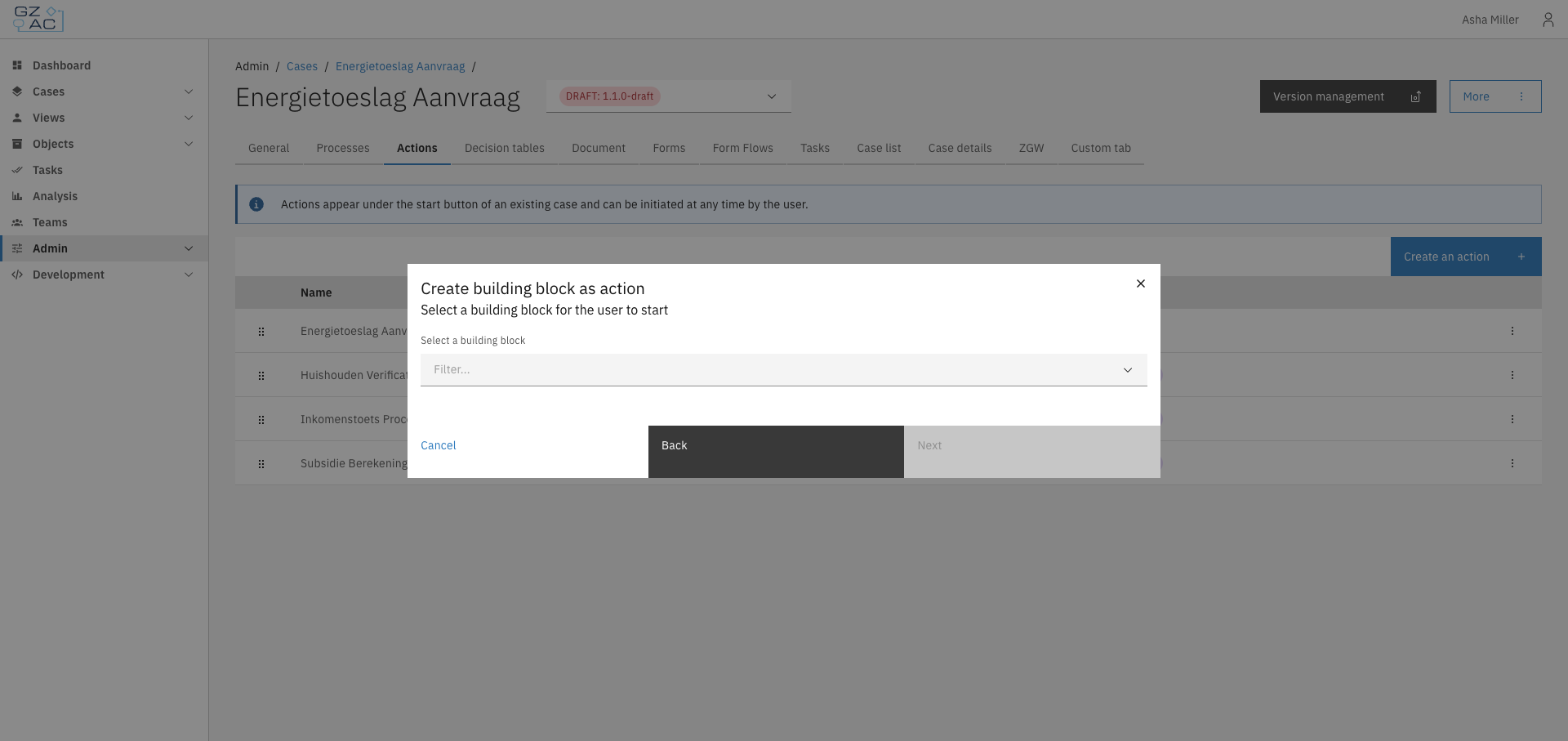
Click **Create an action**
{% endstep %}
{% step %}
Select the action type: **Process** or **Building block**
{% endstep %}
{% step %}
Select the specific process or building block from the dropdown
{% endstep %}
{% step %}
For building blocks, click **Next** to configure input/output mappings if needed
{% endstep %}
{% step %}
Click **Add** to save the action
{% endstep %}
{% endstepper %}
{% hint style="info" %}
Each process or building block can only be added once per case. Items already configured as actions will not appear in the selection dropdown.
{% endhint %}
### Reordering actions
Actions can be reordered by dragging and dropping rows in the list. The order determines how actions appear to end users in the case view.
### Editing an action
{% stepper %}
{% step %}
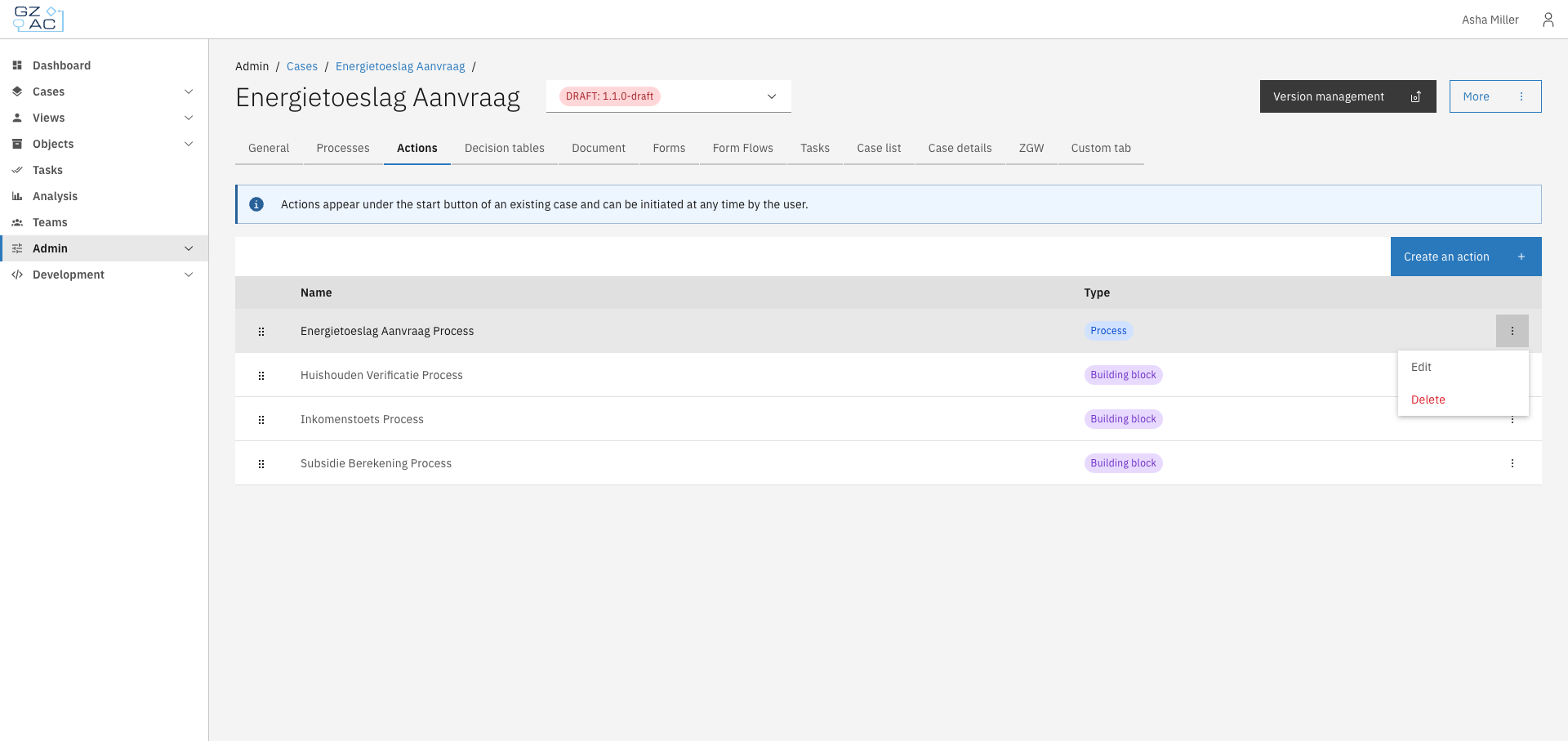
Click a row or use the overflow menu (⋮) on the right side of the row
{% endstep %}
{% step %}
Select **Edit**
{% endstep %}
{% step %}
For processes, change which process is linked; for building blocks, update the input/output mappings
{% endstep %}
{% step %}
Save your changes
{% endstep %}
{% endstepper %}
### Deleting an action
{% stepper %}
{% step %}
Click the overflow menu (⋮) on the row you want to delete
{% endstep %}
{% step %}
Select **Delete**
{% endstep %}
{% step %}
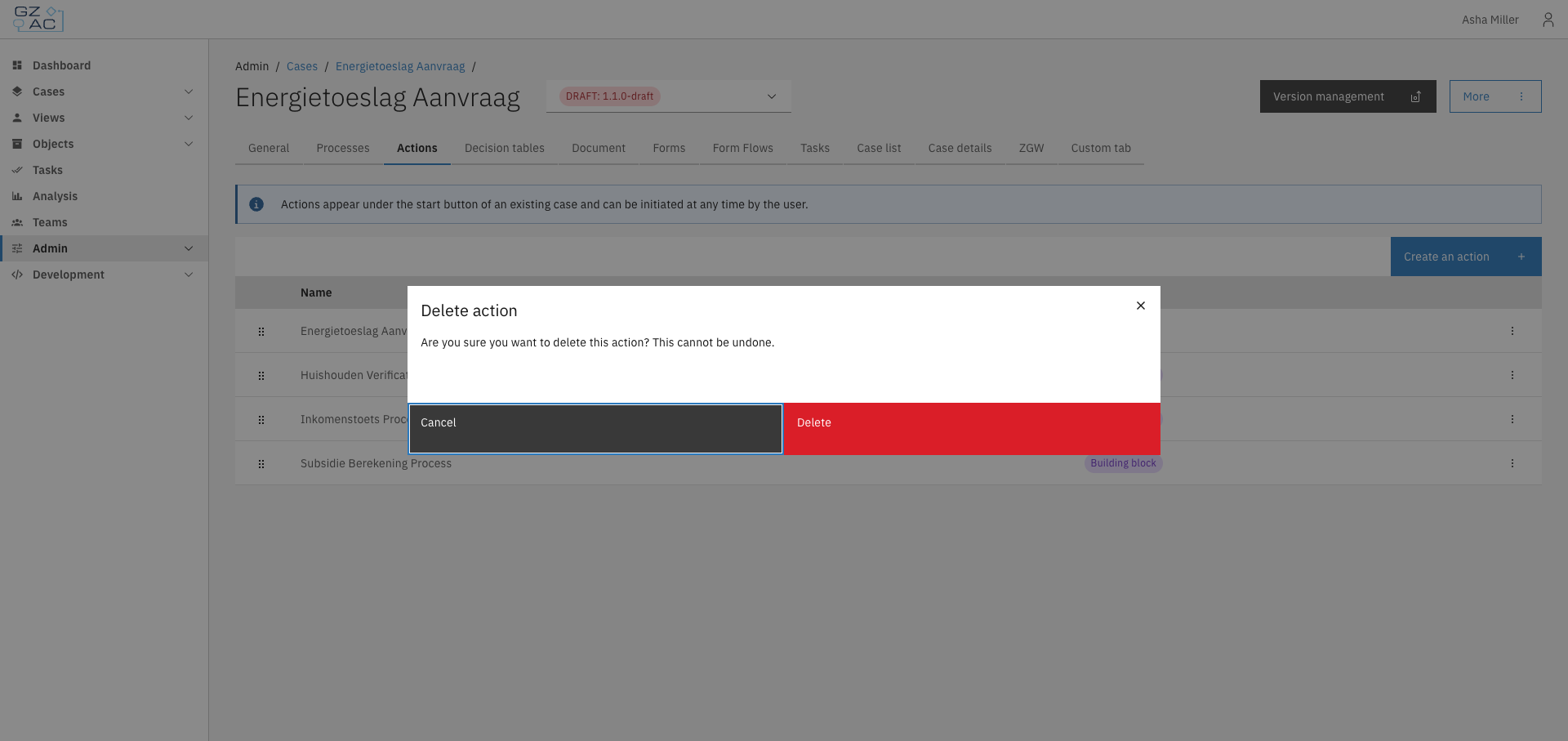
Confirm the deletion in the confirmation dialog
{% endstep %}
{% endstepper %}
***
## Access control
Actions are filtered based on the user's permissions. An action only appears to users who have permission to execute it.
### Resources and actions
| Resource type | Action | Effect |
| ------------------------------------------------------- | -------- | ------------------------------------------------------------------------------------------------------------------------------------------------------------------ |
| `com.ritense.valtimo.operaton.domain.OperatonExecution` | `create` | Required to start the process associated with the action. This applies to both process actions and building block actions (which have an underlying main process). |
When an action is triggered from within a case, the permission check includes the current document as context. This allows permissions to be scoped based on the specific case instance using [context conditions](/configuration-guides/access-control/context-conditions.md).
### Examples
Permission to start any process action
```json
{
"resourceType": "com.ritense.valtimo.operaton.domain.OperatonExecution",
"action": "create",
"conditions": []
}
```
Permission to start a specific process
```json
{
"resourceType": "com.ritense.valtimo.operaton.domain.OperatonExecution",
"action": "create",
"conditions": [
{
"type": "field",
"field": "processDefinitionKey",
"operator": "==",
"value": "my-follow-up-process"
}
]
}
```