> For the complete documentation index, see [llms.txt](https://docs.valtimo.nl/llms.txt). Markdown versions of documentation pages are available by appending `.md` to page URLs; this page is available as [Markdown](https://docs.valtimo.nl/configuration-guides/access-control/conditions.md).
# Conditions
Conditions restrict when a permission applies. Without conditions, a permission grants access unconditionally. With conditions, access is only granted when all conditions are met.
***
## Condition types
There are three types of conditions:
| Type | Description |
| -------------------- | ------------------------------------------------------------- |
| **Field** | Compares a direct property of the resource to a value |
| **JSON field** | Reads a value from a JSON path inside a field and compares it |
| **Related resource** | Checks conditions on a linked resource (supports nesting) |
***
## Field conditions
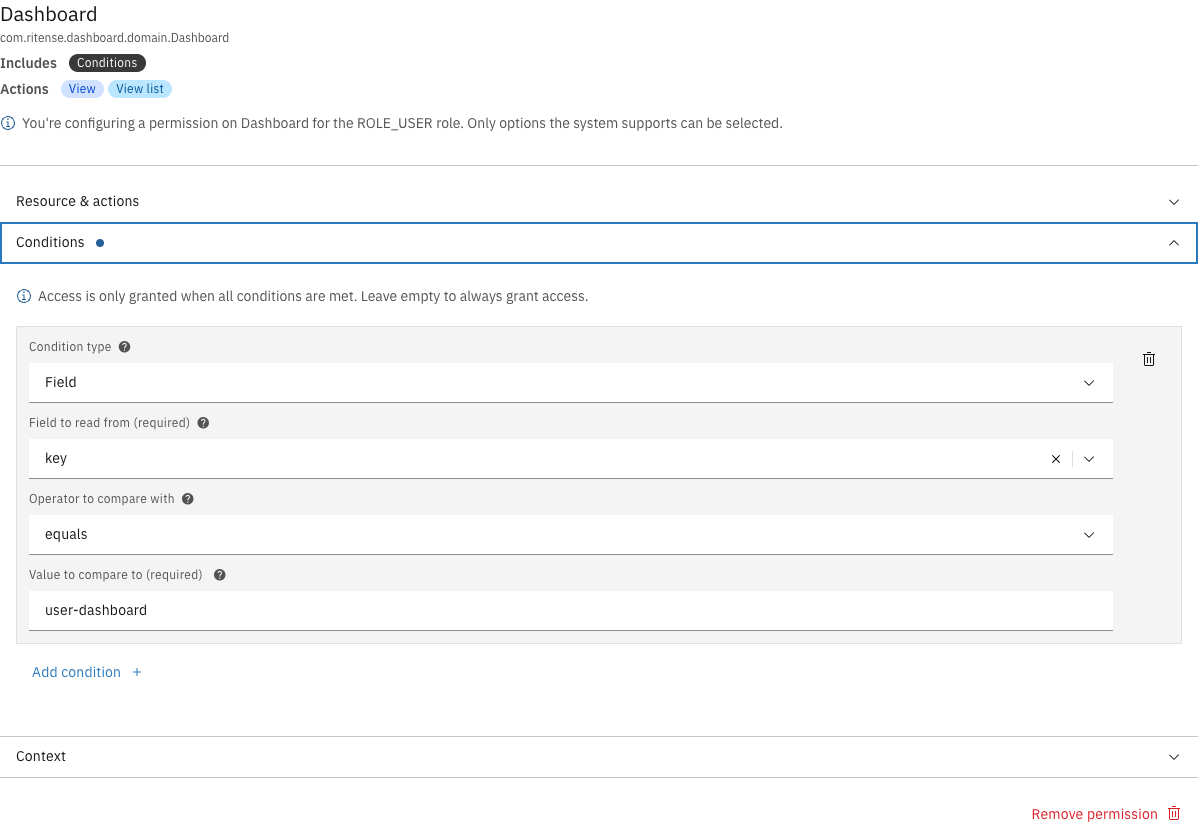
Field conditions compare a property of the resource to a specified value.
Field condition configuration
| Property | Description |
| ------------------------ | ------------------------------------------------------------ |
| Field to read from | The resource property to compare (e.g., `key`, `assigneeId`) |
| Operator to compare with | The comparison operator (see [Operators](#operators)) |
| Value to compare to | The value to compare against |
### JSON format
```json
{
"type": "field",
"field": "key",
"operator": "==",
"value": "user-dashboard"
}
```
***
## JSON field conditions
JSON field conditions read a value from a JSON path inside a field. Use this when the field contains JSON data and you need to check a nested value.
| Property | Description |
| ------------------------ | -------------------------------------------------------------------------- |
| Field to read from | The resource property containing JSON data |
| Path | JSON path to the value (e.g., `/status`, `/address/city`) |
| Operator to compare with | The comparison operator |
| Value to compare to | The value to compare against |
| Value type | The Java type of the value (e.g., `java.lang.String`, `java.lang.Boolean`) |
### JSON format
```json
{
"type": "expression",
"field": "content",
"path": "/request/status",
"operator": "==",
"value": "APPROVED",
"clazz": "java.lang.String"
}
```
### Supported value types
| Type | Description |
| ------------------------- | -------------------------- |
| `java.lang.String` | Text values (default) |
| `java.lang.Boolean` | `true` or `false` |
| `java.lang.Integer` | Whole numbers |
| `java.lang.Long` | Large whole numbers |
| `java.lang.Double` | Decimal numbers |
| `java.math.BigDecimal` | Precise decimal numbers |
| `java.util.Collection` | Lists or arrays |
| `java.time.LocalDate` | Dates (e.g., `2024-01-15`) |
| `java.time.LocalDateTime` | Date and time |
Custom types can be entered manually using the toggle in the editor.
***
## Related resource conditions
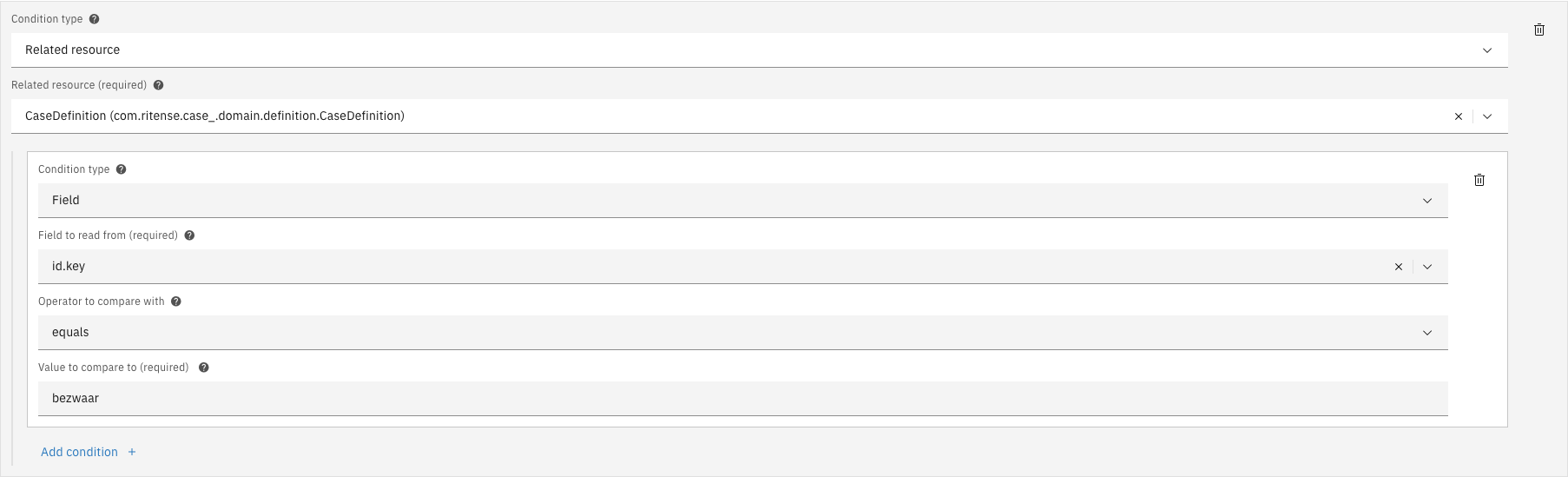
Related resource conditions check conditions on a linked resource. This enables permission rules that span multiple entities.
Related resource condition with nested field condition
| Property | Description |
| ----------------- | ---------------------------------------------- |
| Related resource | The linked resource type to check |
| Nested conditions | Conditions to evaluate on the related resource |
Related resource conditions can be nested to any depth, allowing complex permission rules across multiple entity relationships.
### JSON format
```json
{
"type": "container",
"resourceType": "com.ritense.case_.domain.definition.CaseDefinition",
"conditions": [
{
"type": "field",
"field": "id.key",
"operator": "==",
"value": "bezwaar"
}
]
}
```
***
## Operators
| Operator | Label | Description |
| --------------- | --------------------------- | ---------------------------------- |
| `==` | equals | Value must match exactly |
| `!=` | does not equal | Value must not match |
| `>` | is greater than | Value must be greater |
| `>=` | is greater than or equal to | Value must be greater or equal |
| `<` | is less than | Value must be less |
| `<=` | is less than or equal to | Value must be less or equal |
| `in` | is one of | Value must be in the provided list |
| `list_contains` | contains | List must contain the value |
***
## Special value placeholders
Placeholders allow dynamic values based on the current user's context.
| Placeholder | Description |
| --------------------- | ------------------------------------------- |
| `${currentUserId}` | The current user's ID |
| `${currentUsername}` | The current user's username |
| `${currentUserEmail}` | The current user's email address |
| `${currentUserRoles}` | List of the current user's roles |
| `${currentUserTeams}` | List of the current user's team memberships |
### Example
To grant access only to cases assigned to the current user:
```json
{
"type": "field",
"field": "assigneeId",
"operator": "==",
"value": "${currentUserId}"
}
```
***
## Adding a condition
{% stepper %}
{% step %}
Open a permission in the Editor tab
{% endstep %}
{% step %}
Expand the **Conditions** accordion
{% endstep %}
{% step %}
Click **Add condition**
{% endstep %}
{% step %}
Select the condition type
{% endstep %}
{% step %}
Configure the condition fields
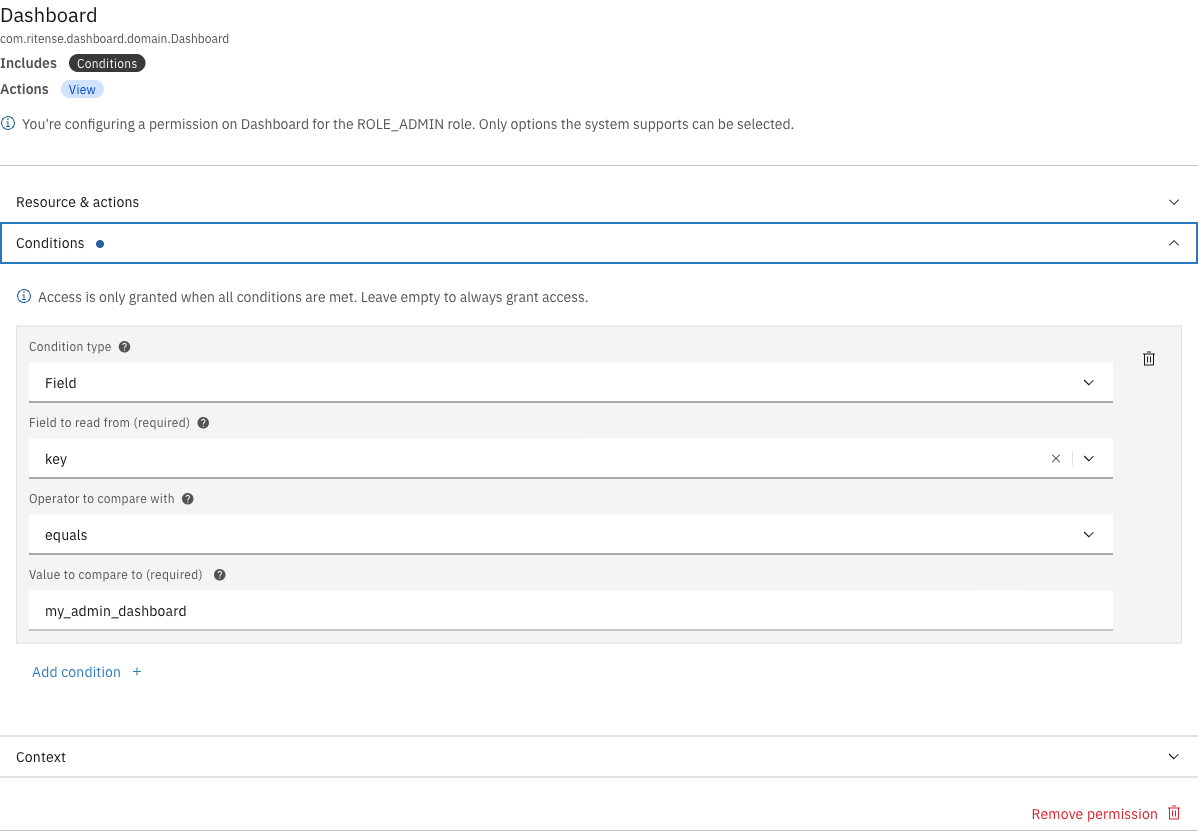
Configuring a field condition
{% endstep %}
{% step %}
Click **Save** in the page header
{% endstep %}
{% endstepper %}
***
## Removing a condition
{% stepper %}
{% step %}
Open a permission in the Editor tab
{% endstep %}
{% step %}
Expand the **Conditions** accordion
{% endstep %}
{% step %}
Click the trash icon next to the condition
{% endstep %}
{% step %}
Click **Save** to persist the change
{% endstep %}
{% endstepper %}
***
## JSON editor
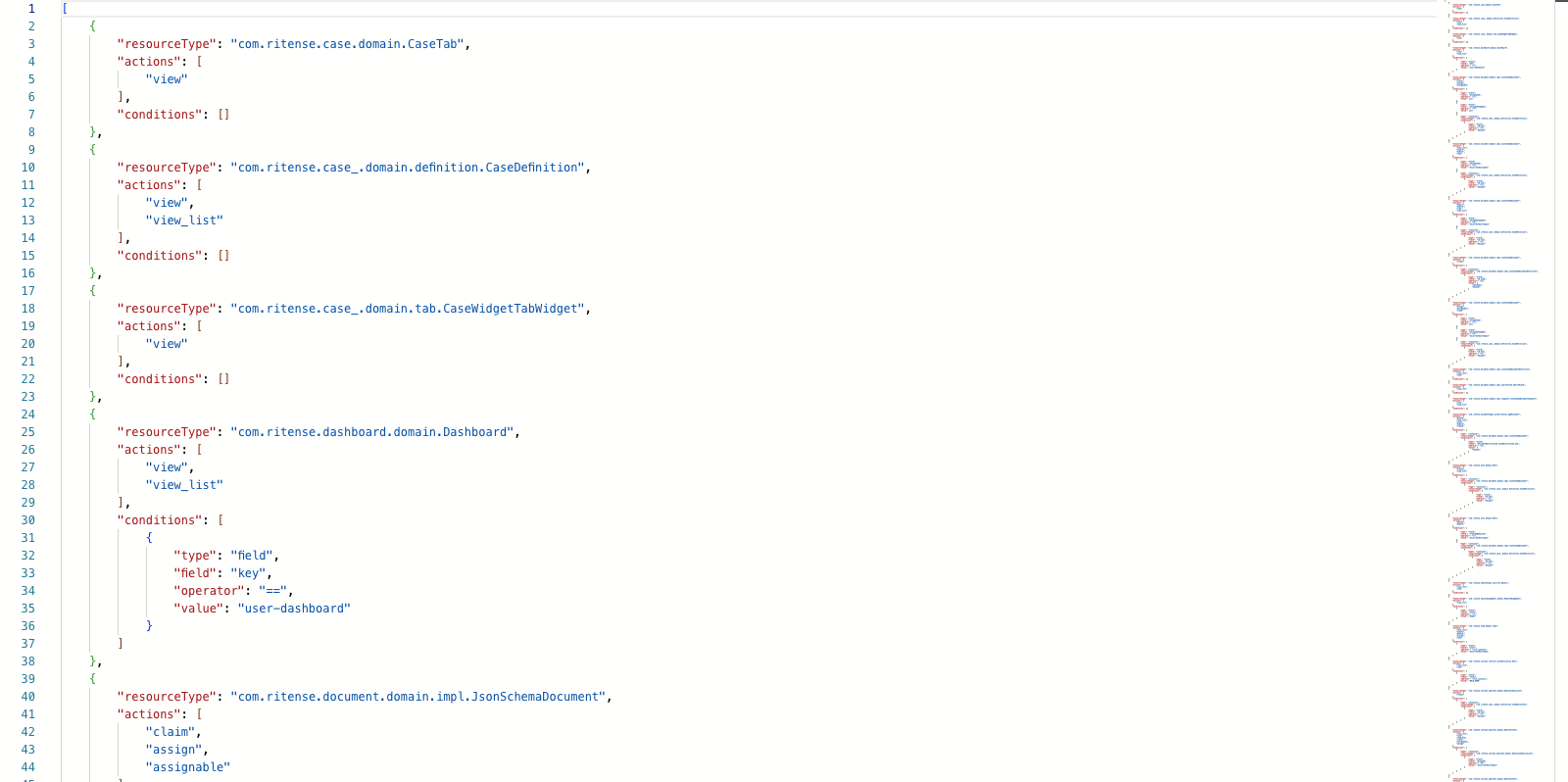
For advanced editing, use the JSON editor tab to directly modify condition configurations.
JSON editor showing condition structure
{% hint style="warning" %}
Invalid JSON will prevent saving. The editor validates the structure before allowing you to save.
{% endhint %}